


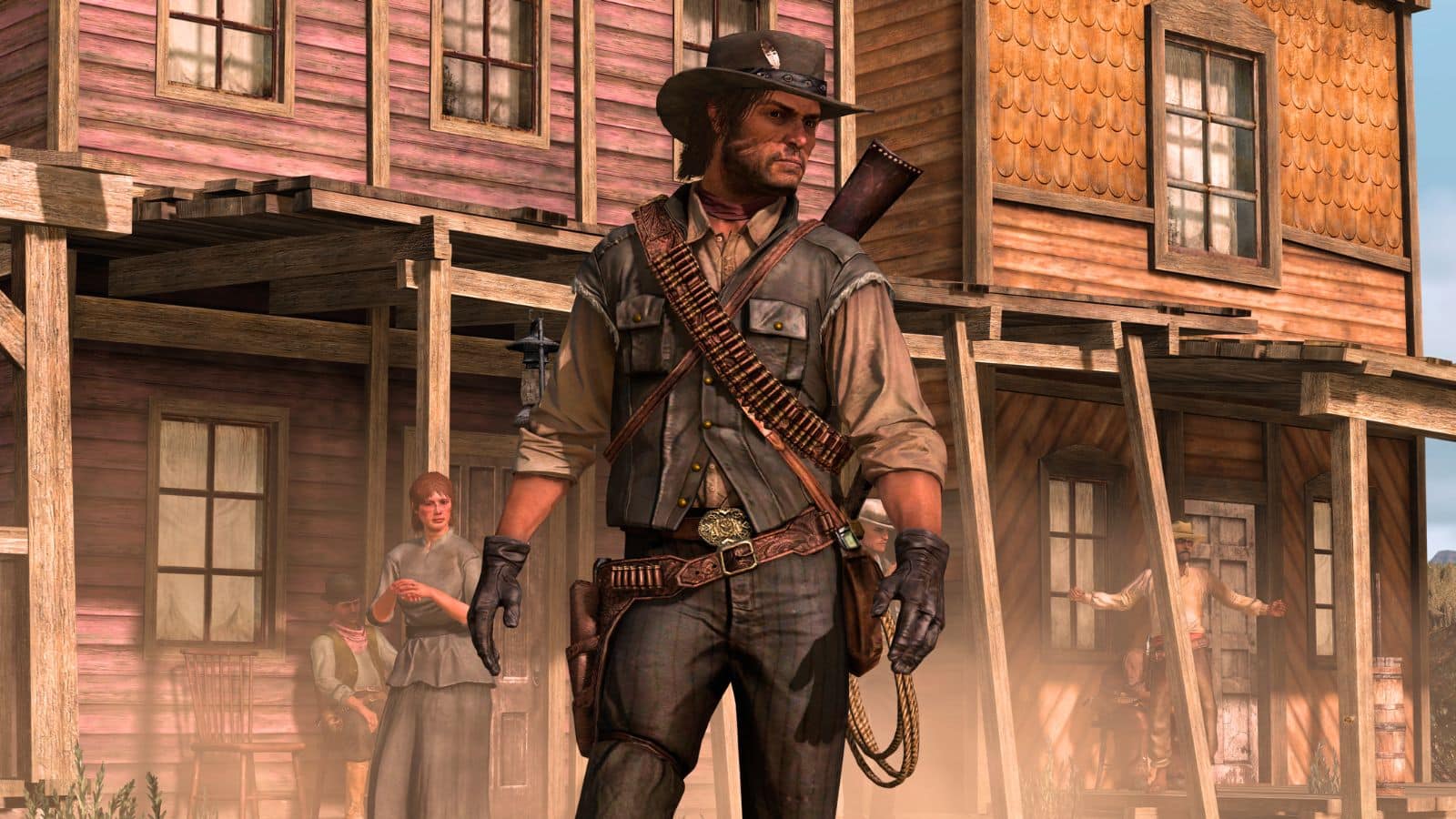

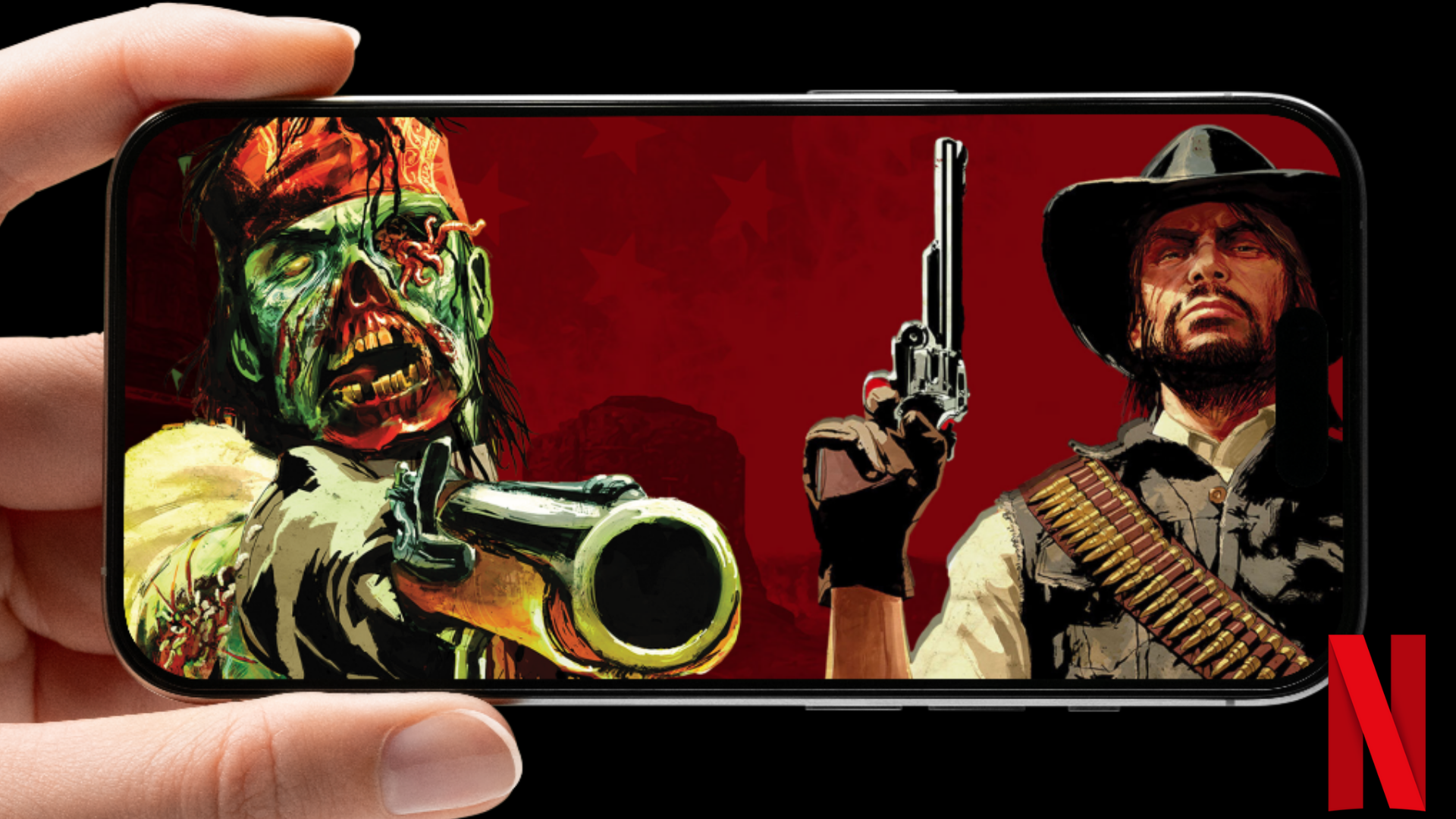
Red Dead Redemption has officially made its way to mobile through Netflix Games, enabling subscribers to experience Rockstar’s Wild West epic right on their smartphones and tablets.
If you’re ready to saddle up, here’s everything you need to know about downloading the Red Dead Redemption Netflix mobile game, its file size, and what to expect from the mobile version.
Table of contents
Red Dead Redemption Netflix download size
Red Dead Redemption on Netflix Games comes with a fair download size. Based on my experience on iOS, the initial App Store download is around 3.07 GB, followed by an additional 3.74 GB in in-game resources. Altogether, you’ll need at least 6.81 GB of free space, but aiming for 10 GB gives you a safer buffer for installation and updates.
How to download Red Dead Redemption Netflix
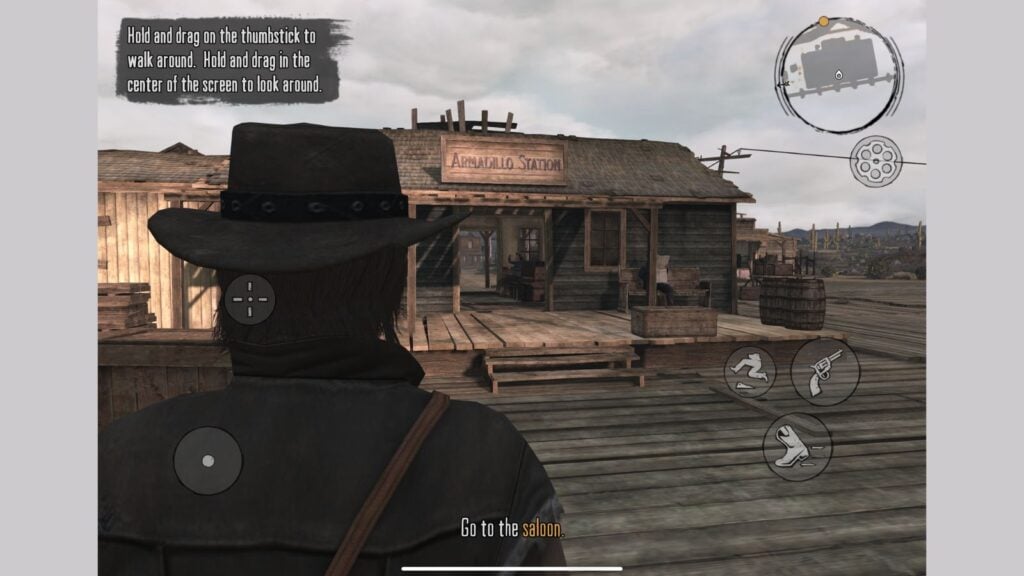
Downloading Red Dead Redemption mobile is straightforward as long as you have an active Netflix subscription. Here’s the full step-by-step guide:
On Android
- Open the Netflix app on your device.
- Go to the Games tab located on the bottom menu.
- Scroll through the library until you find Red Dead Redemption or search it manually.
- Tap Get Game, which will redirect you to the Google Play Store.
- Tap Install and wait for the download to complete.
- Once installed, launch the game through your home screen or directly via Netflix.
On iOS
- Launch the Netflix app.
- Navigate to the Games section.
- Select Red Dead Redemption from the available titles.
- Tap Get Game, which opens the App Store.
- Hit Get and authenticate using Face ID/Touch ID.
- After installation, start the game from your device or through Netflix.
Red Dead Redemption on Netflix does not require any extra purchase, just your standard subscription on the streaming service platform.
Red Dead Redemption mobile gameplay explained
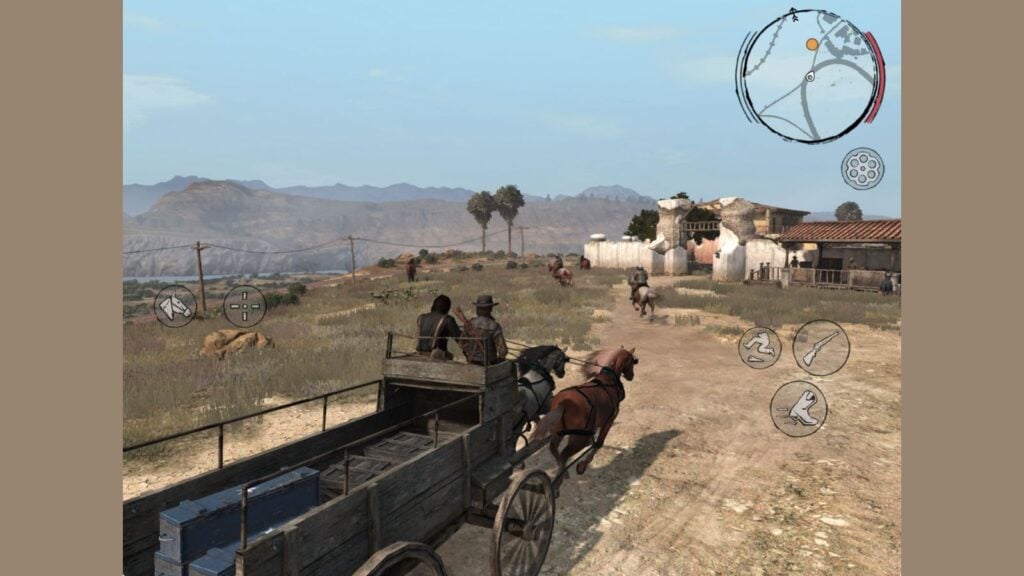
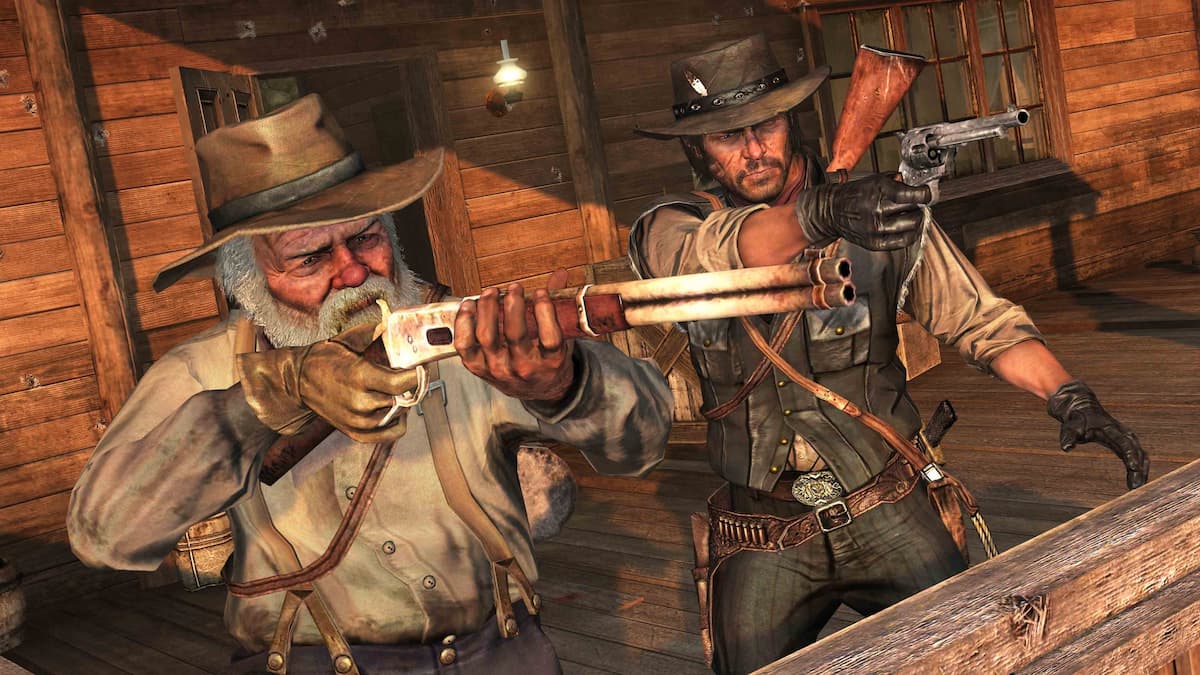
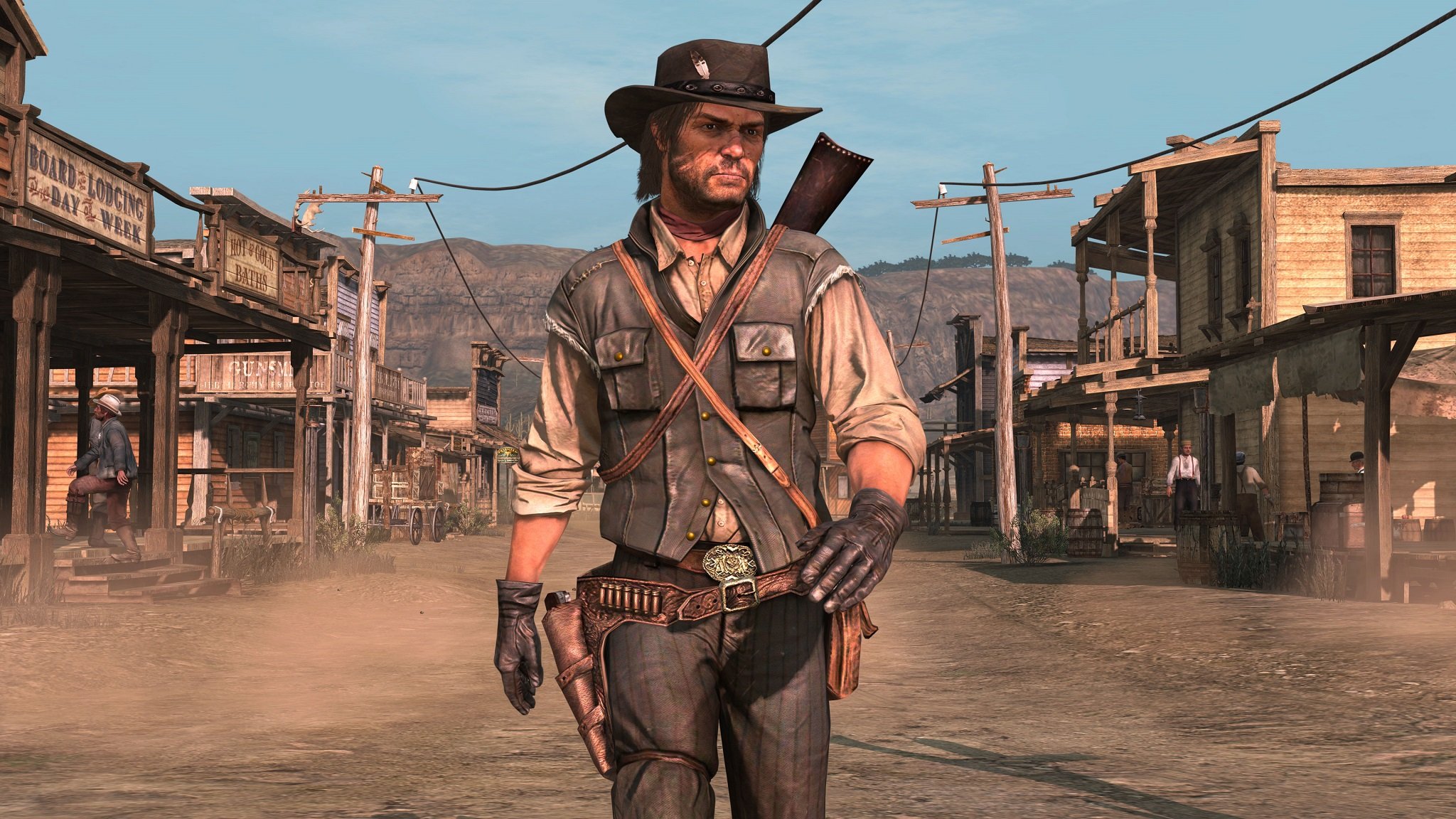
The Netflix Games version of Red Dead Redemption faithfully preserves the original console experience, but with several adjustments to make the game feel smooth and intuitive on a phone or tablet. Controls have been fully reworked for touch, offering tap-to-shoot options, swipe-based camera movement, and quick-access action buttons.
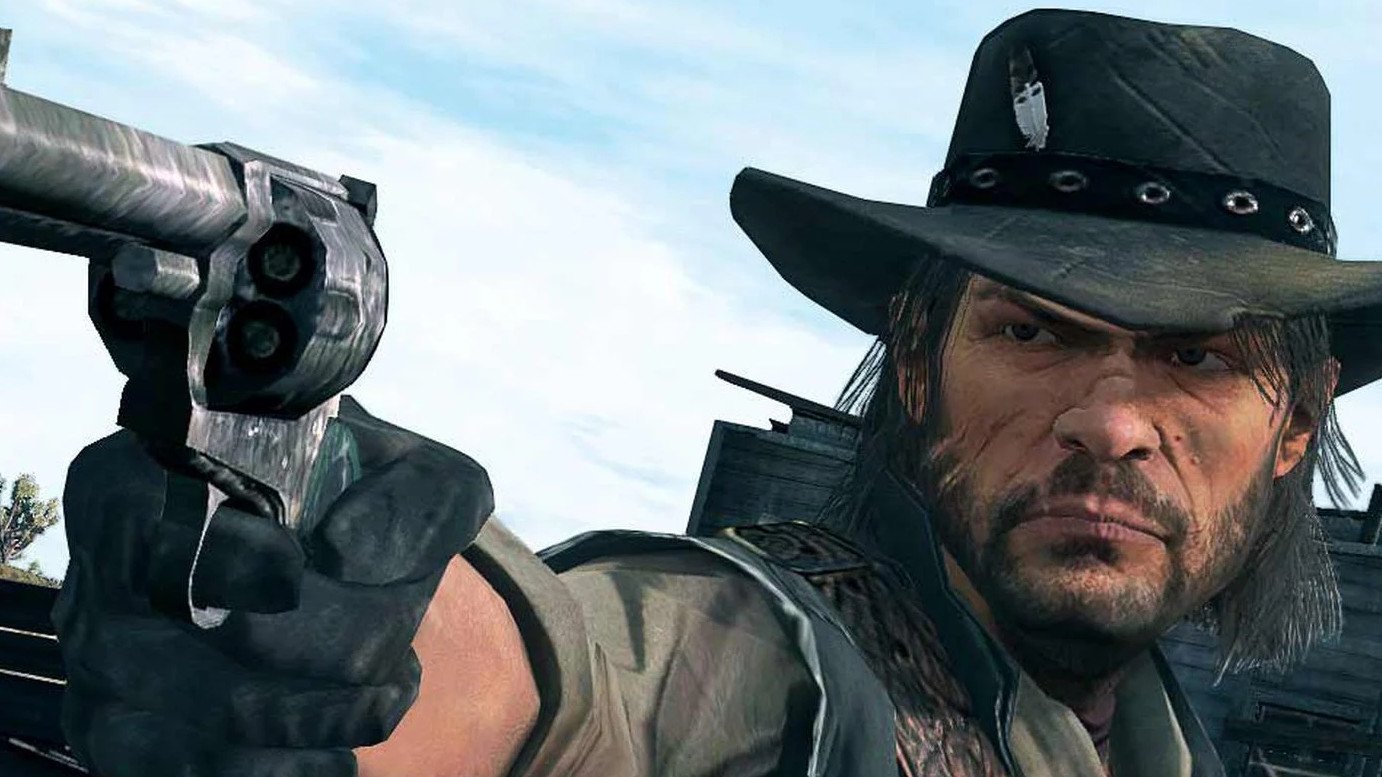
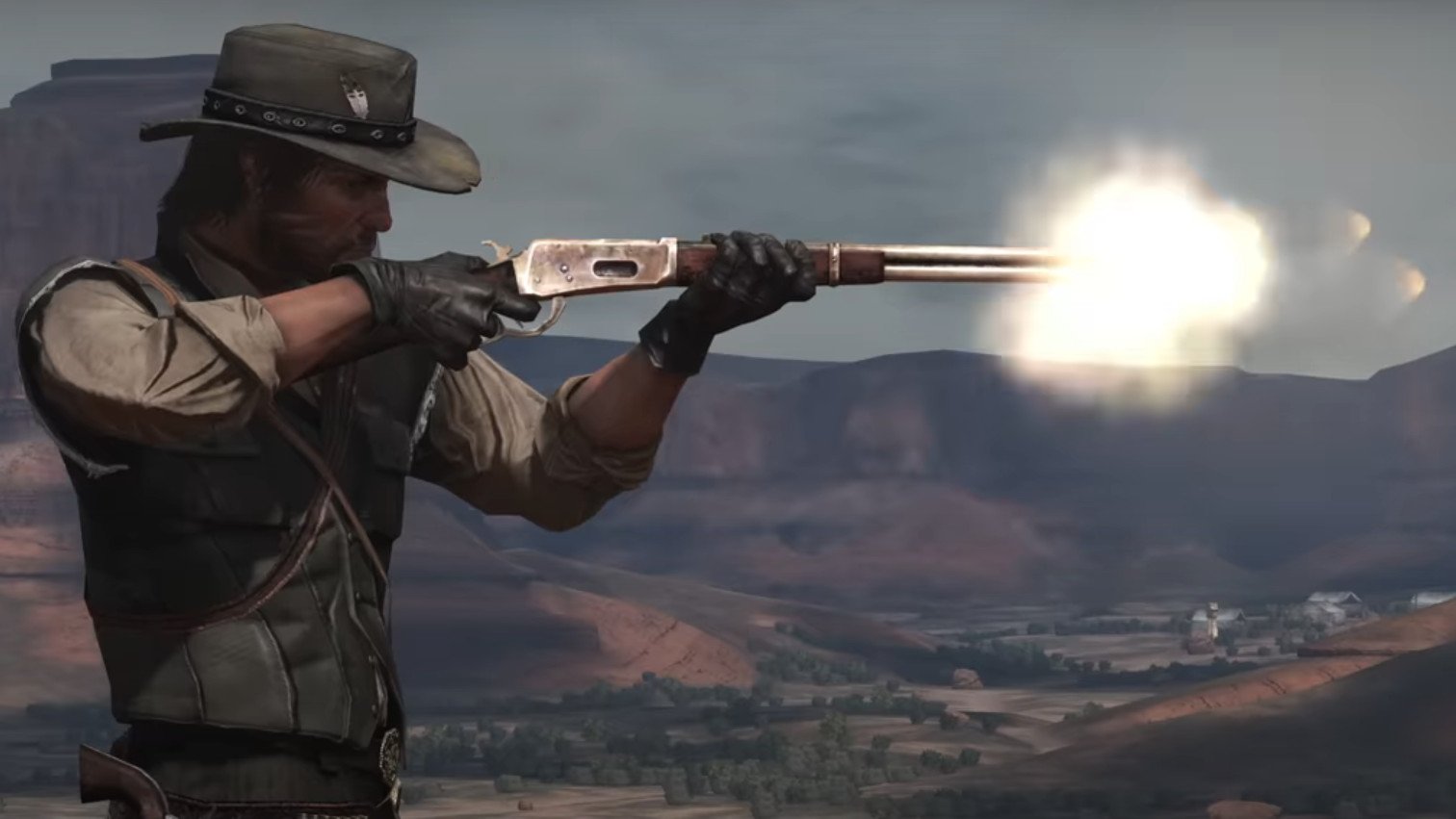
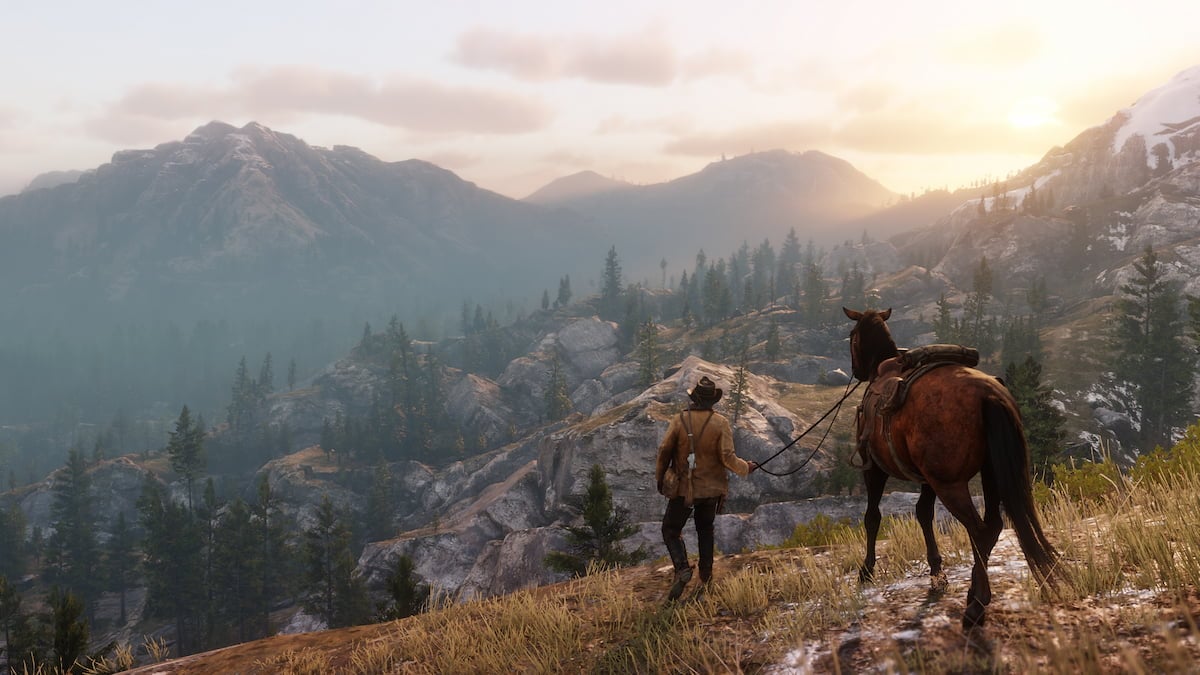
On the technical side, the mobile port uses dynamic resolution scaling to maintain stable performance across various devices. Even with visual adjustments made for mobile hardware, Rockstar’s signature world design, atmospheric lighting, and detailed environments remain noticeably intact.
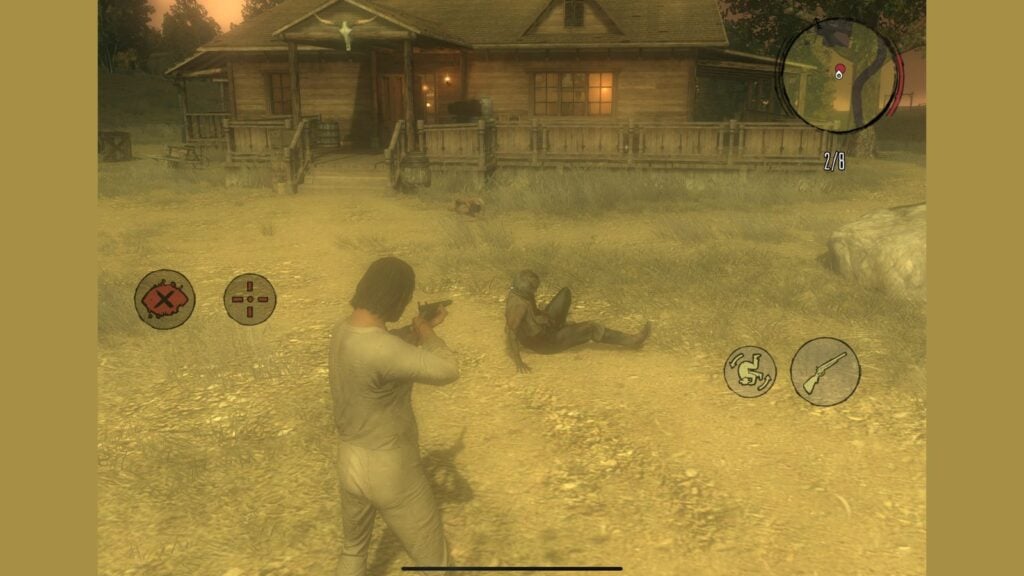
This mobile release includes the full Red Dead Redemption campaign, the Undead Nightmare expansion, and all Game of the Year Edition bonus content, giving players the complete package. Progress is saved locally, and depending on your device, cloud-saving options may also be supported.
Do note that Red Dead Redemption mobile requires a constant internet connection to play, and offline mode isn’t available. Select higher-end devices can also enable a dedicated performance mode for smoother framerates.
As with most Netflix Games, this is strictly a single-player experience. There’s no online multiplayer, so the focus stays on enjoying the complete campaign from start to finish.

Published: Dec 2, 2025 10:01 pm