




Picking a server to play in New World is a difficult task in its own rights. Not many players enjoy playing in the most crowded server, but once you create your first character, all you’ll want to do will be get back to your world and continue your journey. Only a pesky error like the “Timed out while waiting for spawn point” message can prevent you from logging into your server.
This error could be especially annoying if you had already waited in the queue to get into your server. The main reason behind this error is generally New World’s servers. During release periods or events that attract more players than developers can expect, servers may start struggling to keep up with the demand.
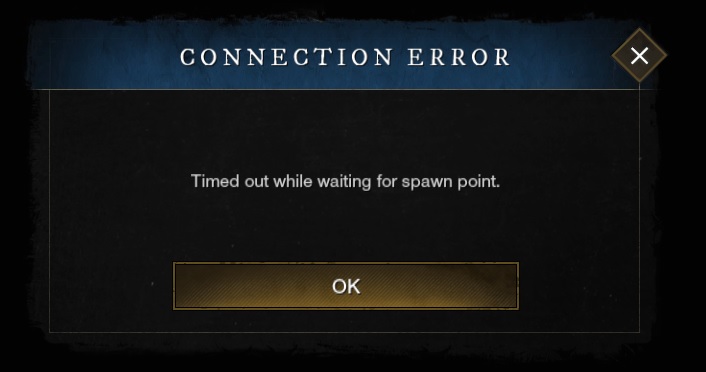
When you receive the “Timed out while waiting for spawn point error” message, you’ll only have a few troubleshooting methods to try out. Continuously trying to log into the game won’t work in most cases since the error is often caused after a log-out process while the servers are busy. Your character won’t fully exit the game, which will prevent you from getting a spawn point.
Waiting a few hours before trying to log in again will often be the best course of action since your character will eventually drop out of the game by itself.
If you’re in a hurry, you should try restarting your router alongside your PC. Resetting your network and gaming devices can help you bypass the error the next time you try to launch New World.
Keeping an eye on community platforms like Reddit or New World’s official Twitter account can also be an excellent idea since you’ll be able to keep up to date with New World fans who may be experiencing the same error or receive news from the devs regarding when they’d be able to fix such errors that are affecting a sizable part of the player base.




Published: Sep 28, 2021 03:15 pm