


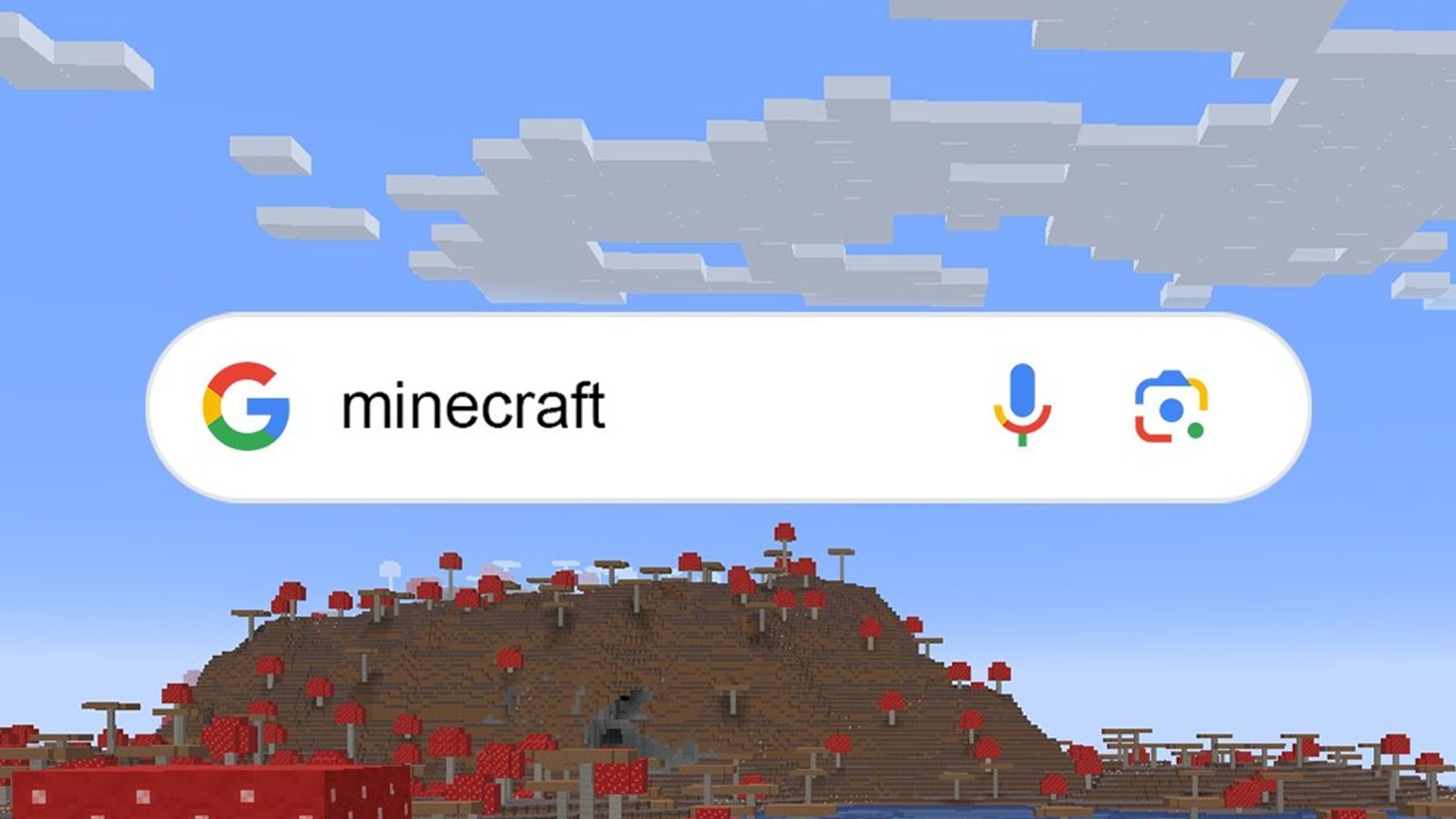

Google rolled out a creative interactive Easter egg in 2024 to celebrate Minecraft’s 15th anniversary. The feature turns the familiar search results page into a playful mining experience that mirrors the charm of the iconic sandbox game. With this new feature, you can start chipping away at virtual blocks right inside your browser, creating a fun tribute that perfectly captures the spirit of exploration and creativity that defines Minecraft.
Once activated, the Easter egg transforms the entire search interface into a digital playground where every click mimics mining action. You can break elements like the news sections and individual search results as though they were blocks within the game, each with different resistance levels depending on the material. The result is a nod to Minecraft’s mechanics, offering fans a delightful surprise that blends nostalgia, interactivity, and Google’s signature sense of humor into one seamless experience.
Here’s everything you need to know about playing Minecraft on Google search.
Minecraft’s 15th anniversary Easter egg on Google
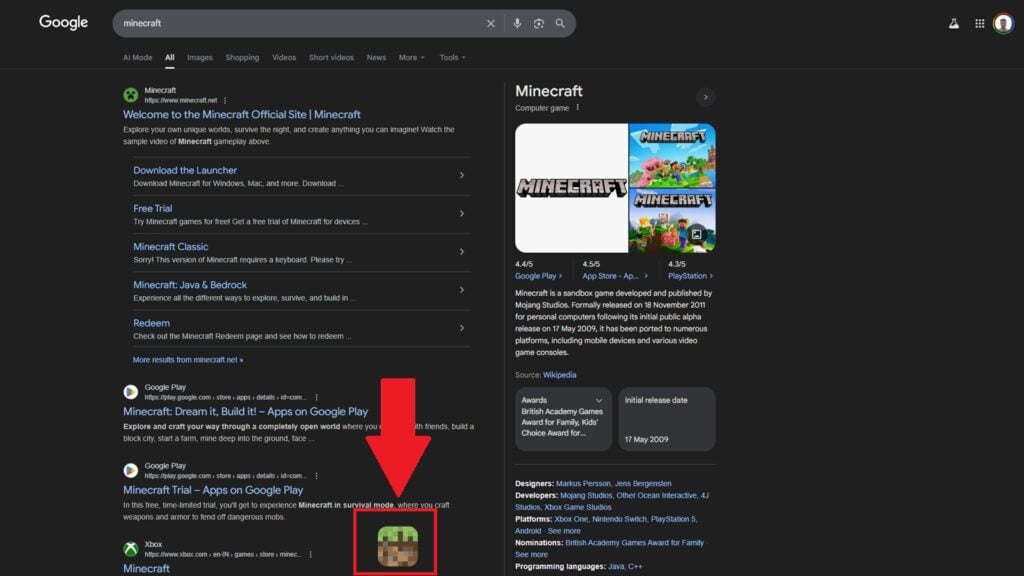
To activate Google’s Easter egg, you simply need to search for the terms “Minecraft” or “Minecraft Bedrock Edition.” Once the results appear, a familiar grass block icon from the game pops up at the bottom of the page.
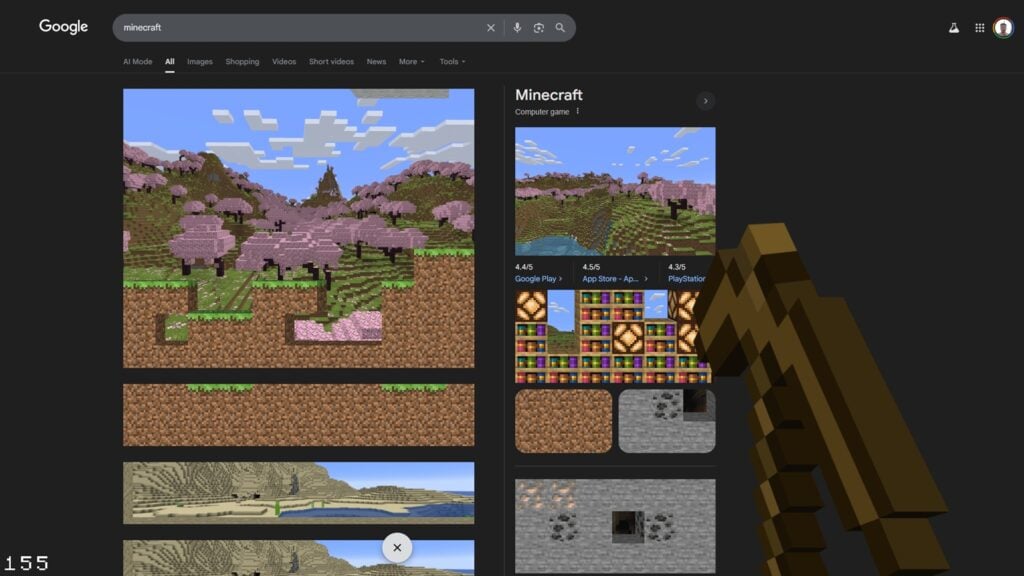
Clicking on it transforms the cursor into Steve’s signature pickaxe, unlocking an interactive mining mode that instantly brings the Minecraft universe to life within your browser. As you scroll down, the search page gradually turns into a layered Minecraft world filled with caves, ores, and distinctive biomes.
You can mine your way through stone, dirt, and even stumble upon rare finds like TNT or materials from the Nether realm. A live counter on the left tracks how many blocks you’ve broken, adding a fun sense of progress to the experience.
The Easter egg includes authentic in-game sounds and animations, staying true to Minecraft’s look and feel. When you’re ready to exit, a single click on the X button at the bottom ends the adventure with a satisfying Creeper explosion, clearing the world and returning you to a regular Google search view.
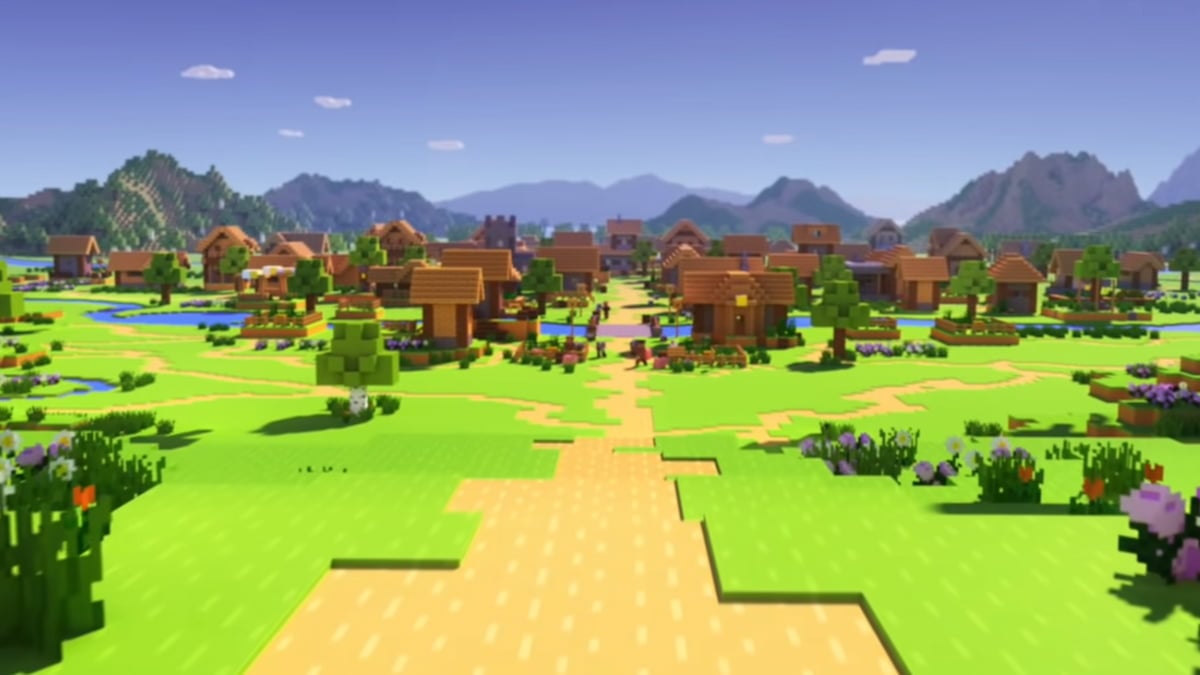
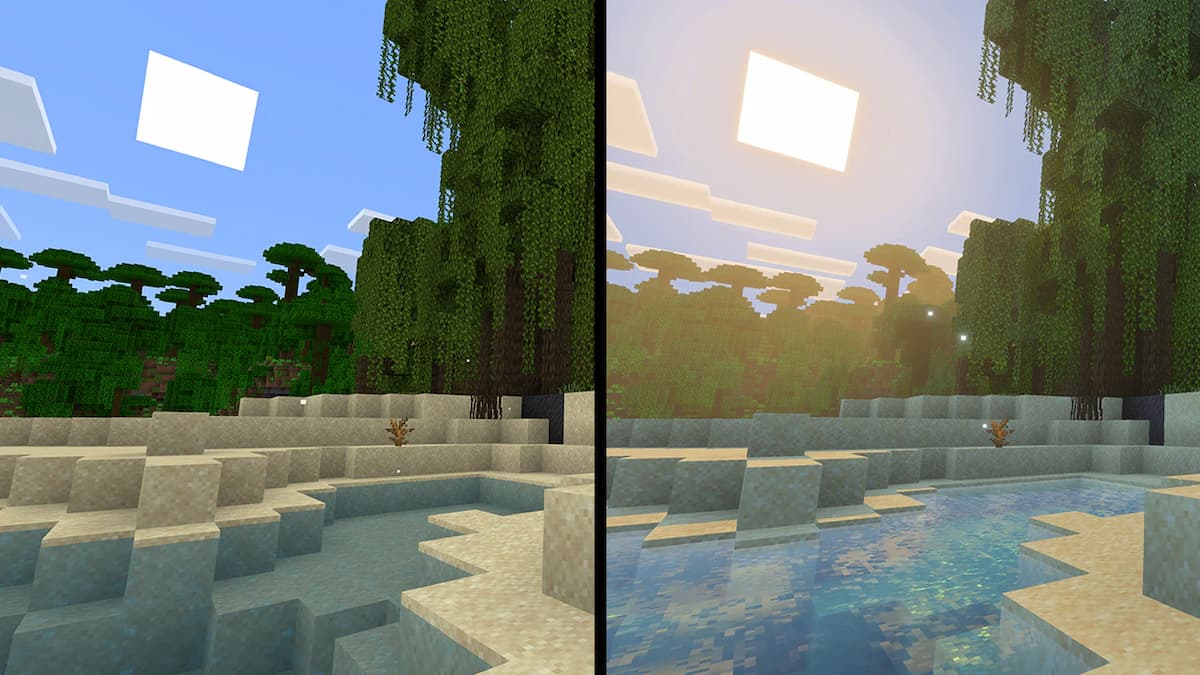
For more on Minecraft, check out our guides on the best village seeds and how to turn on Vibrant Visuals.

Published: Oct 24, 2025 09:21 am