


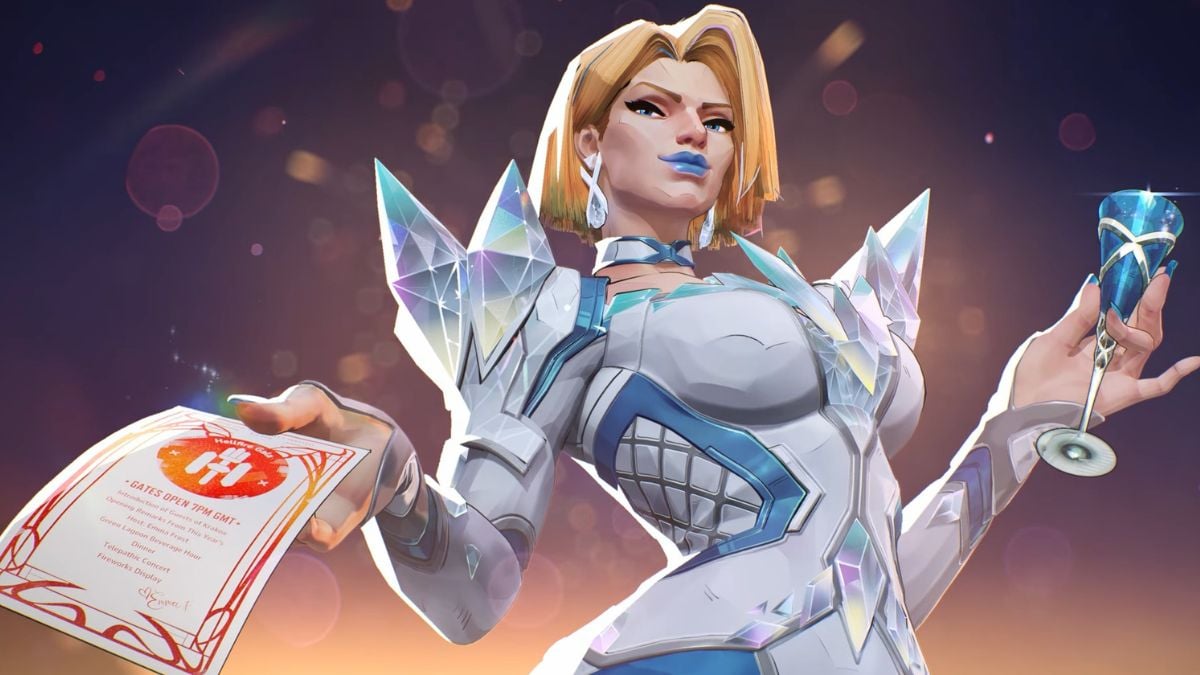

Whether you’re aiming to make your favorite hero look cooler or squeeze out a performance boost, Marvel Rivals mods can improve your gameplay experience. The setup process for mods can be a bit tricky, but don’t worry, we’ve got you covered.
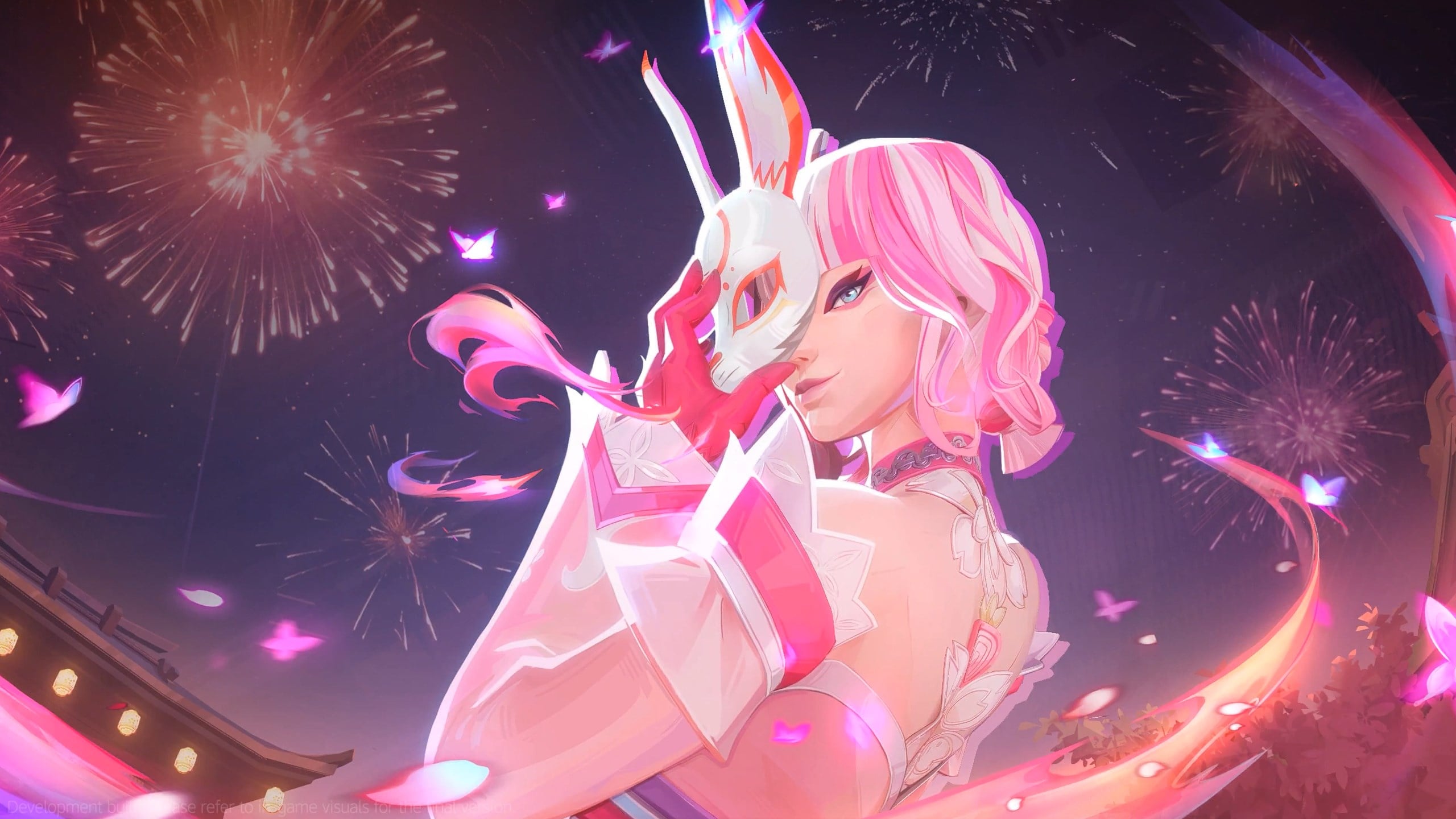
NetEase has done an excellent job of keeping the fandom engaged through periodic updates and cosmetic additions to its popular hero shooter. That said, the Rivals community is incredibly creative, channeling that energy into crafting impressive mods, most of which are dreamy hero outfits we’d love to have but can’t get through official means.
Here’s how to install mods in Marvel Rivals.
How to set up mods in Marvel Rivals
Now before getting started, let us warn you that Marvel Rivals doesn’t officially support mods. So, you have to download mods from third-party sources and use them at your own discretion. Moreover, these mods can only be set up on PC.
To get mods specially made for Marvel Rivals, you can head to any one of the following platforms:
- Nexus Mods
- GameBanana
Below, we elaborate on the process to install Marvel Rivals mods using Nexus Mods. Just follow these steps:
- Make sure you close the game first.
- Go to the official website of Nexus Mods.
- Download the “UTOC Signature Bypass Patch for Marvel Rivals” tool that will let you load the mods in the game.
- Now, extract the files from the zipped folder.
- Next, open Windows Explorer and go to the location where your Marvel Rivals game files are stored. To find it easily, open your Steam library, click on Marvel Rivals, and then hit the cog icon on the right. Click on Properties and then Installed Files tab. Here, click on Browse and it’ll take you straight to the folder where the game is installed.
- From the MarvelRivals folder, go to MarvelGame > Marvel > Binaries > Win64.
- In the Win64 folder, copy and paste the folder “plugins” and file “dsound.dll” from the UTOC Signature Bypass Patch folder you downloaded earlier.
- Next, go back to the Marvel folder and go to Content > Paks. Now, make a new folder and label it Mods. This folder will hold all your mod downloads.
- Now, open Nexus Mods again and find a Marvel Rivals mod that you want to install. Download it and then extract its contents. Paste the extracted files (should include a PAK, UTDC, and UCAS file) into the Mods folder that you created in the previous step.

That’s it. Launch Marvel Rivals, go to the Heroes tab, and you should now start seeing the new mod on the hero you wanted to glam up.
If you’re downloading mods via GameBanana, the process is the same: Just paste the extracted mod files in the Mods folder under Paks, and you should be good to go.
Are mods bannable in Marvel Rivals?
NetEase has made it clear that Marvel Rivals doesn’t support the use of third-party or game-altering tools, including mods. But there are no reported instances of players receiving a ban for using mods—yet. This doesn’t mean you’re safe for the future, so you must indulge in unofficial features only at your discretion.
Old mods may stop working every time NetEase releases new updates. In that case, keep an eye on the platform of your choice for new versions of the Bypass Patch and mods.

Published: Aug 12, 2025 08:00 pm