


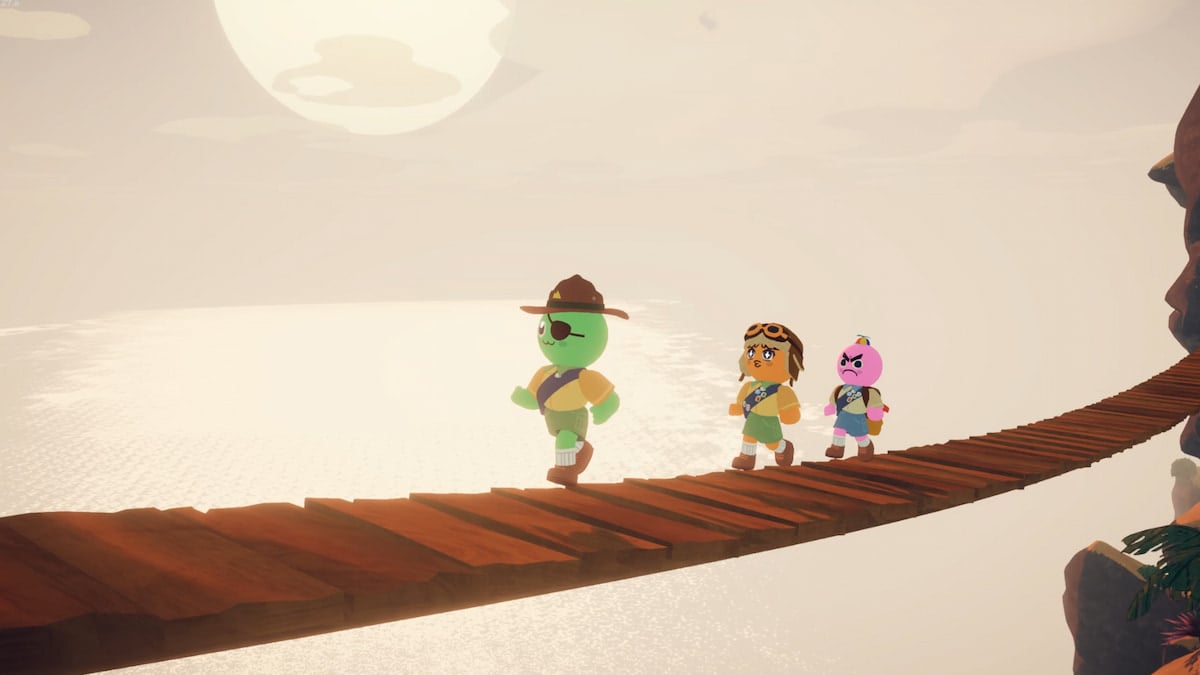

Whether you’ve just started your first climb or you’re a seasoned player braving the most punishing peaks, PEAK isn’t just about survival; it’s also about having fun with your friends.
One of the most fun ways to interact with your friends or the environment is through emotes. If you’ve been wondering how to cross your arms, dance, or just drop a quick thumbs-up, we have you covered.
Here’s everything you need to know about using emotes in PEAK.
Table of contents
How to use emotes in PEAK
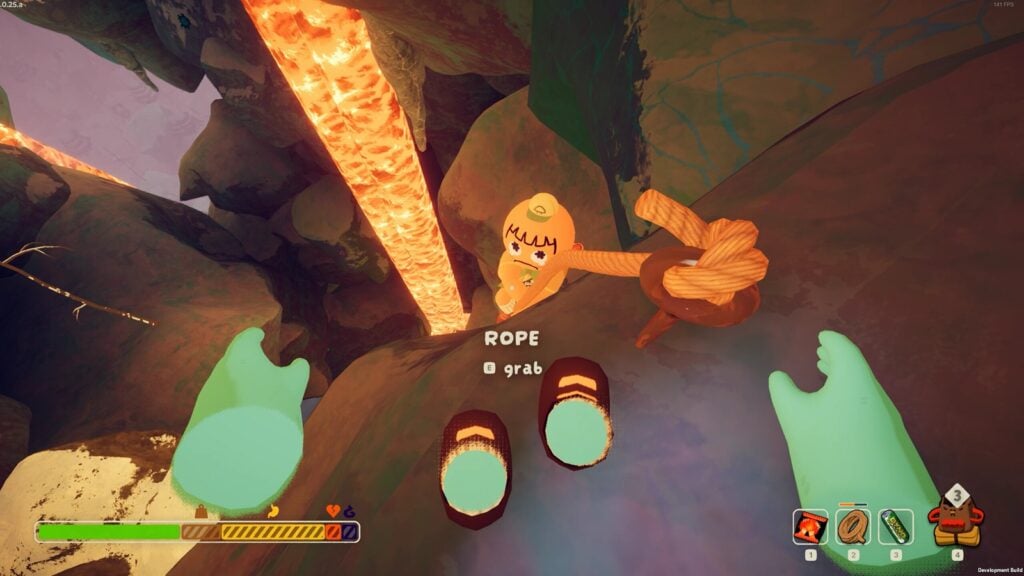
You can trigger emotes in PEAK by pressing and holding the R key on your keyboard. While holding it down, a radial emote menu will appear. Simply move your mouse over the emote you want to use, then release the key to activate it. The animation plays out briefly, giving you the freedom to repeat it as often as you like, whether you’re having fun with teammates or just testing out your options.
The game currently features eight emotes that you can choose from. However, it is expected that more emotes could be released with future updates. Here are the eight emotes available in PEAK at the time of writing:
- Crossed arms
- Dance
- No-no
- Play dead
- Salute
- Shrug
- Think
- Thumbs-up
While your own emotes won’t be visible from your point of view, they will show up to other players in your lobby. Likewise, when another player uses an emote, you’ll be able to see their character’s full animation, perfect for sharing fun moments or goofing off during downtime.
How to ping in PEAK
To ping in PEAK, simply press the middle mouse button while looking at a specific point, object, or area. This will drop a visible marker that your teammates can easily see on their screen. It’s especially useful for drawing attention to landmarks, hazards, loot, or even a suggested route through the terrain.
You can ping almost anything in your line of sight, including cliffs, structures, animals, and supplies. The ping system works at a considerable range, so even if your teammates aren’t nearby, they’ll still be able to track what you’re pointing out. The pinged location stays active for a few seconds, helping your squad make decisions while avoiding the constant chatter.
For more guides on PEAK, make sure to check out the best mods and how to find the Scoutmaster.





Published: Jul 30, 2025 01:13 am