



There’s nothing quite like the adrenaline rush of pulling off a flawless squad play in Delta Force with your friends. However, before you can celebrate those clutch moments, you’ll need to get everyone into the same party.
No matter if your squad is on PC, PlayStation, or Xbox, we’ve got you covered. Considering that crossplay is one of the key features of Delta Force, our guide will walk you through everything you need to know to team up seamlessly and jump straight into the action together.
How to add friends in Delta Force
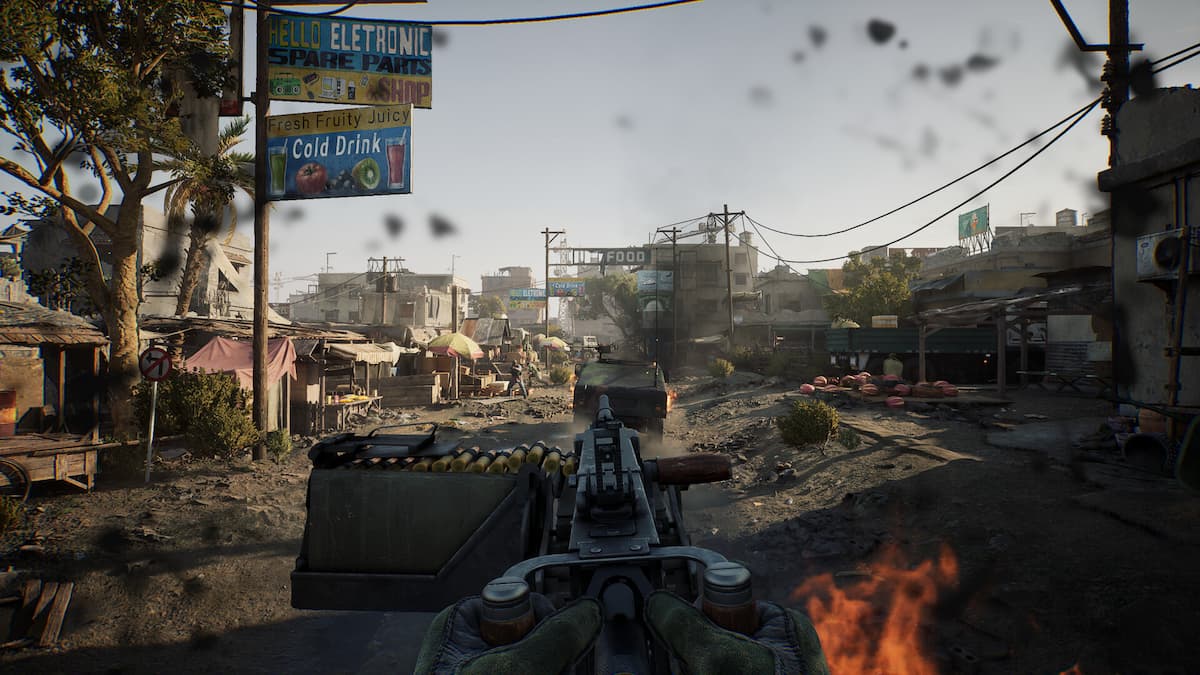
Here’s a step-by-step guide on how you can add new friends in Delta Force. The process is the same across all platforms.
- Open the Social menu from the bottom right corner of the Main Menu.
- Locate and click on the Add Friend button in the top right corner.
- Enter the Player Name or Account ID in the text box and click on the search button.
- In case you are trying to add a cross-platform friend, make use of the Advanced Search option to find players on other platforms.
- Once you find the account you are looking for, click on the plus icon next to the account name to send a friend request.
Both you and the account you sent the request to will be connected as soon as they accept your invite.
How to invite friends in Delta Force
Inviting friends that you have already added to your account is fairly easy. Here’s a step-by-step guide on how to do so:
- Open the Squad menu by pressing the respective hotkey for your platform:
- PC: F1
- PS5: Triangle button
- Xbox: Y button
- Click on the Friends icon located in the top-left part of the Squad menu.
- You can either browse through your entire friend list or make use of the Search option to find the person you are trying to invite.
- For cross-platform friends, you will need the Advanced Search feature to locate their profiles and invite them to your squad.
- After finding the account, click on the Invite button to send them an invitation to your party.
Your friends can now join your party by accepting the invite.
For more on Delta Force, check out our operator tier list as well as the best weapons and builds for every class.





Published: Aug 26, 2025 02:03 am