


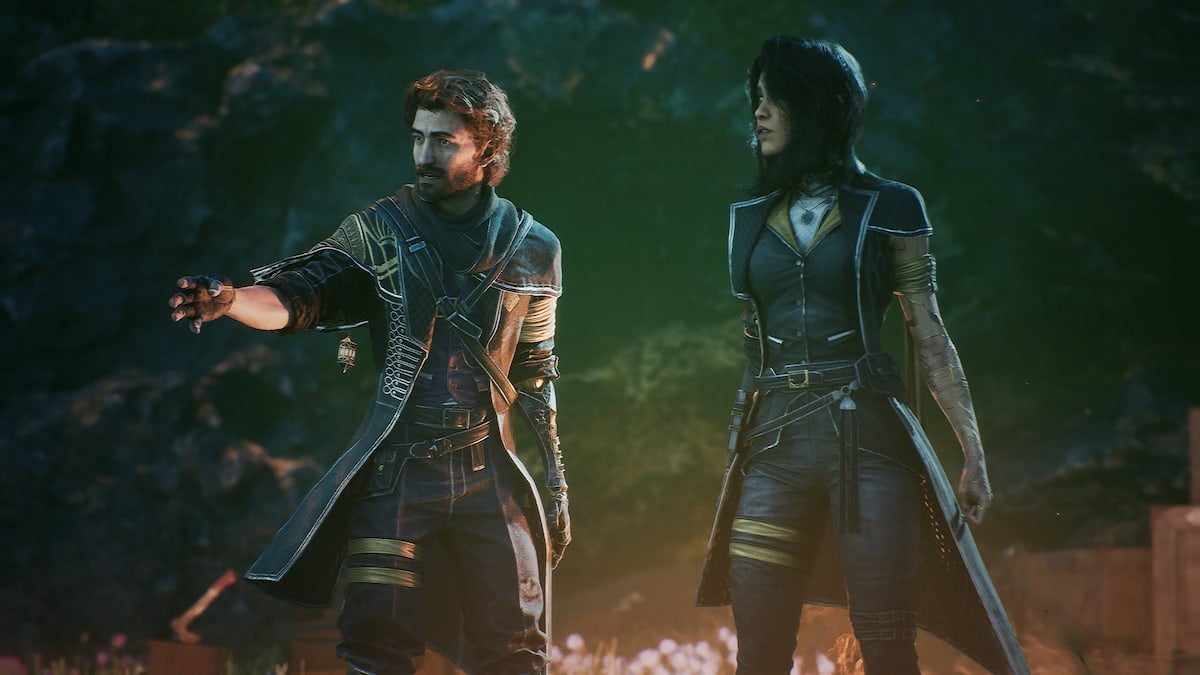

Clair Obscur: Expedition 33 has quickly established itself as a GOTY contender, boasting an impressive concurrent player count of nearly 120,000 on Steam and one million sales. The PC version is arguably the most technically impressive, though there are a few minor quibbles.
For one, if you’re using a PlayStation controller, you’ll likely still encounter Xbox prompts. This isn’t consistent across all controller types, but if you can’t switch to the correct PlayStation prompts in Clair Obscur: Expedition 33, here is how you can fix that.
Enable PlayStation button prompts in Clair Obscur Expedition 33
Clair Obscur: Expedition 33 has native support for all major PlayStation controllers on PC. This means that whether you’re using a DualShock 4, DualSense, or DualSense Edge, you don’t need to resort to Steam Input to get these working.
However, for some reason, the correct in-game button prompts are only displayed when a DualSense controller is connected. If you have a DualShock 4 controller, like I do, you’ll see Xbox prompts instead.

Thankfully, you don’t need to sit through incorrect prompts and can force PlayStation prompts regardless of the connected controller using a mod.
Force PS5 controller icons mod
The mod created by NexusMods user Pottty does exactly what it says. It forces the game to use PlayStation prompts no matter which controller you have plugged in. Essentially, it’s editing the configuration file for you and saving you the hassle. Here is how to install it.
- Head over to the following link and download the mod files. You will need a free NexusMods account for this.
- This will download a zip file, which you need to extract to the following location where Clair Obscur Expedition 33 is installed:
\Expedition 33\Sandfall\Content\Paks
- Once extracted in the Paks folder, you’re good to go.
- Launch Clair Obscur Expedition 33, and the correct PlayStation prompts will be displayed instead of the Xbox ones.

If, for some reason, you want to delete the mod, open the Paks folder and delete the following files:
Force_PS5_Buttons.ucas
Force_PS5_Buttons.utoc
Force_PS5_Buttons.pak
I hope that this is something the developers aim to fix in a future patch, but for now, the mod is a painless way to get around it.



Published: Apr 28, 2025 08:29 am