


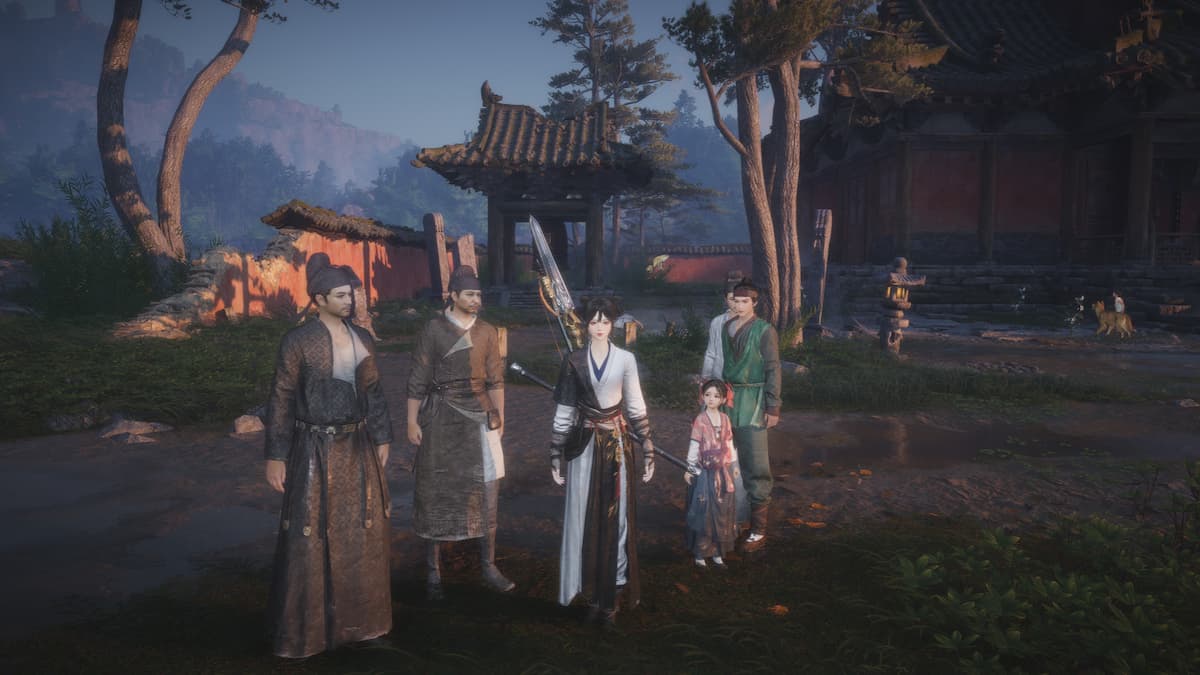

Being a content-rich Wuxian adventure, Where Winds Meet has found a place in the hearts of thousands of fans worldwide. A chunk of its popularity can be attributed to its multi-platform availability, which, in turn, begs the question, is there crossplay in Where Winds Meet?
Here’s the answer.
Table of contents
Is crossplay supported in Where Winds Meet?
Yes, Where Winds Meet comes with crossplay support, so you can team up with friends who’re on a different platform than you.
As of Dec. 12, the hit aRPG-MMORPG has been released on PC (NetEase native launcher, Steam, Epic Games), PlayStation 5, and mobile platforms (Android and iOS). One of its best features is the multi-platform multiplayer support. Couple it with cross-progression and you have top-notch versatility when it comes to playing the game solo or with friends.
In Where Winds Meet, crossplay is active by default and can’t be disabled. That said, you need to first unlock multiplayer (or co-op) by progressing through the game—more on this in the next section.
How to play Where Winds Meet co-op with friends
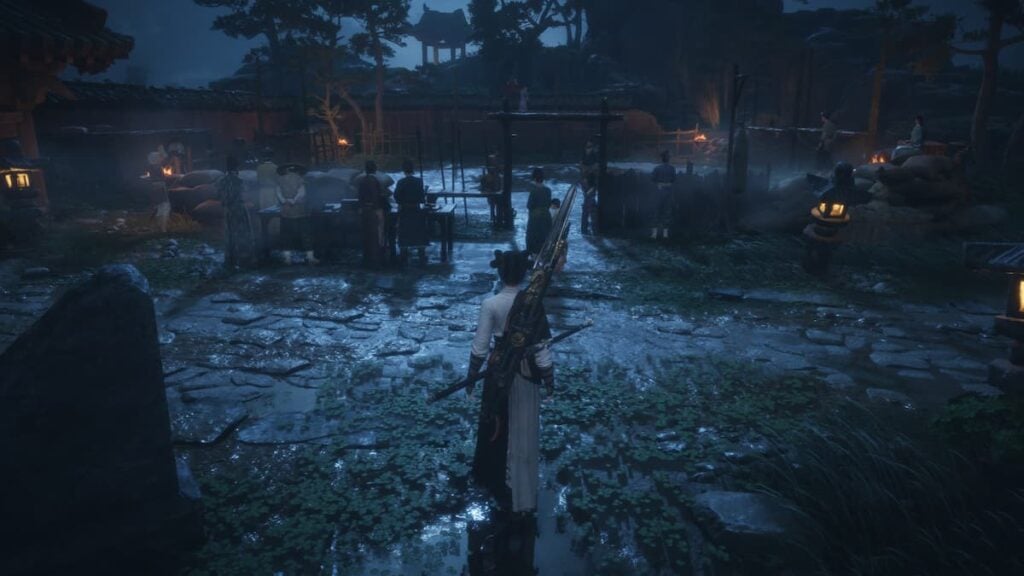
To play Where Winds Meet co-op multiplayer, you need to reach Level 3. Play through the tutorial and complete the General Shrine main quest, which will need you to defeat Fang Xu at the arena, to easily reach this requirement. This will take you about 30 minutes of playtime.
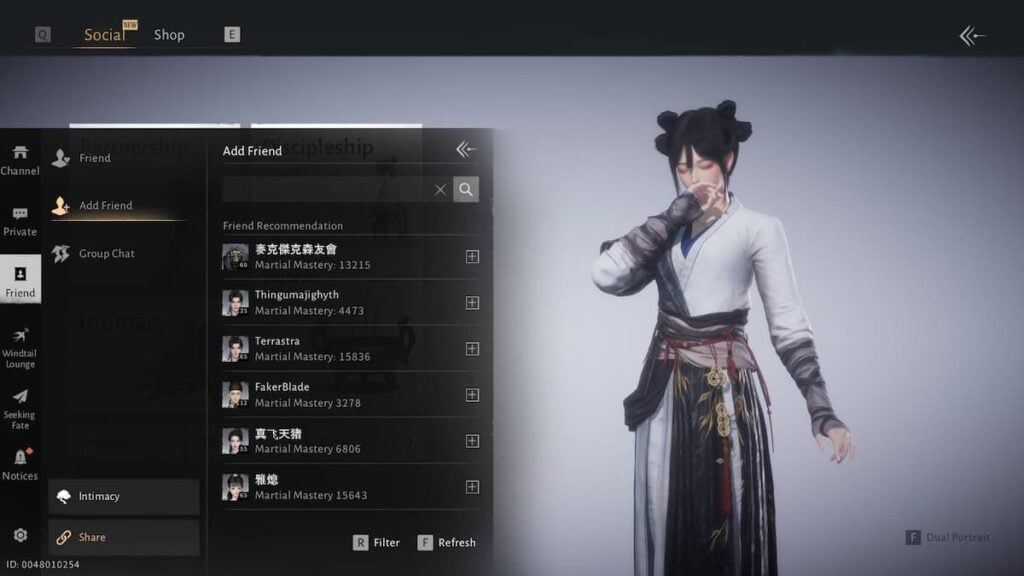
After you unlock co-op, follow these steps to play multiplayer in Where Winds Meet:
- Bring up the in-game menu and hit the Social button. Then, select the Friend button and you can add people to your list from here. If you can’t find your friend with their username, we recommend using the UID. To get your friend’s UID, ask them to select the Share button under Social > Friend and give you the ID—or you can give them yours.
- Once you’ve got friends in your list, go back to the Social menu, select Co-op (enter a public or another player’s world) or Team (make a private game), and invite them to play with you.
- Under Co-op, select Co-op Room Info and check your settings. You can enable Cross-region play if your friends live in a different region than you. You can also open their profiles and select “Invite to Co-op Room” to easily invite them to your world.
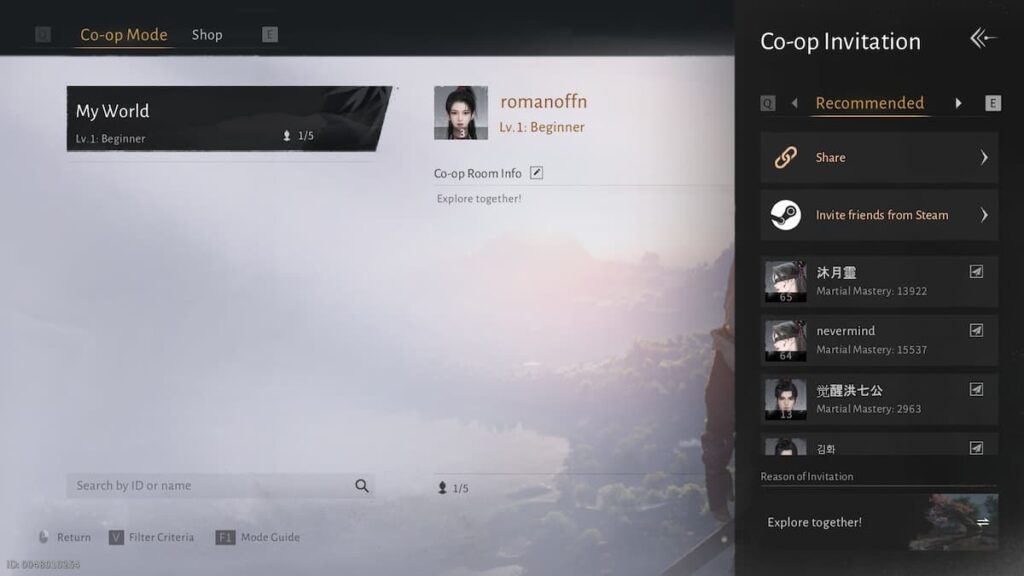
Where Winds Meet has two game modes—Solo and Online. When you first unlock co-op, you’ll be in solo mode, which lets you go solo or team up privately with friends. Note that if you’re completing a mission or battle with a friend, only the leader of the co-op party will have their story progressed.
The online mode, on the other hand, unlocks at level 10 and lets you go for an MMO-like experience, giving you the option to team up with or battle random players (PvP) in your world. Just a tip: You’d want to stay away from the online mode if you’re a beginner. The MMORPG could feel extra chaotic with so many players and potential performance issues too. If you’re someone who likes a relaxed RPG experience solo or with friends, go for the solo mode.




Published: Dec 14, 2025 08:35 pm