


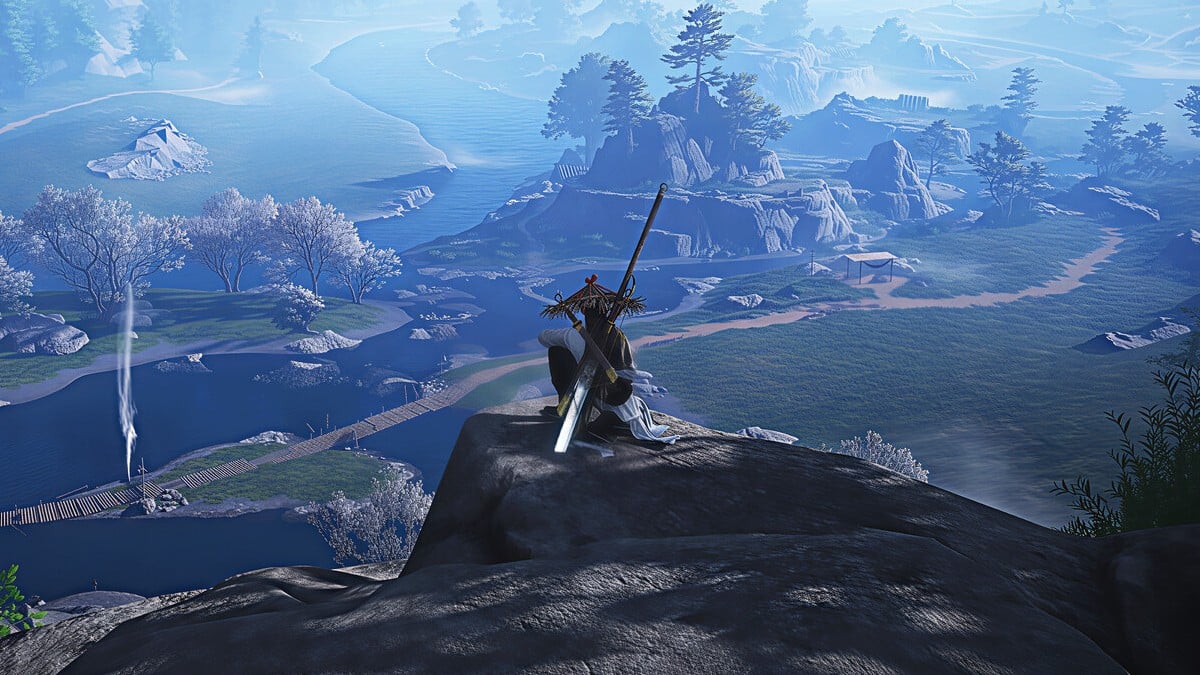

With Where Winds Meet releasing on mobile soon, many of us would want to dabble between platforms depending on the quest you want to complete. Which begs the question, does Where Winds Meet support cross-progression at all?
While Where Winds Meet’s lovely open world and cutthroat combat modes are best experienced on big screens, the mobile version gives you the freedom to jump into the adventure wherever you are. Without cross-progression support, you’d have to choose between the competitive and visual advantage of PC and consoles, and remote play.
Table of contents
Is cross-progression available in Where Winds Meet?

Yes, Where Winds Meet supports cross-progression between PC, PlayStation, and mobiles.
Since cross-progression is available between all platforms, you can choose to play on your mobile when you just want to progress side activities, and save major battles and quests for your PC or console. It also ensures that you don’t miss out on your daily sword action when you’re travelling.
That said, you need to link your accounts in a certain way to set up cross-progression in Where Winds Meet.
How to enable cross-progression in Where Winds Meet
Before activating cross-progression between PC, PlayStation, and mobile in Where Winds Meet, you need to know a crucial rule: You must link your account before creating a new character on the new platform. Or, you won’t be able to enable cross-progression between those platforms. If you meet this requirement, here are the steps to follow:
- On PS5, Steam, or Epic Games, launch the game and then select the Settings buttons.
- Go to Other > User Center > Link Account.
- Select the Link button beside the platform you want to link.
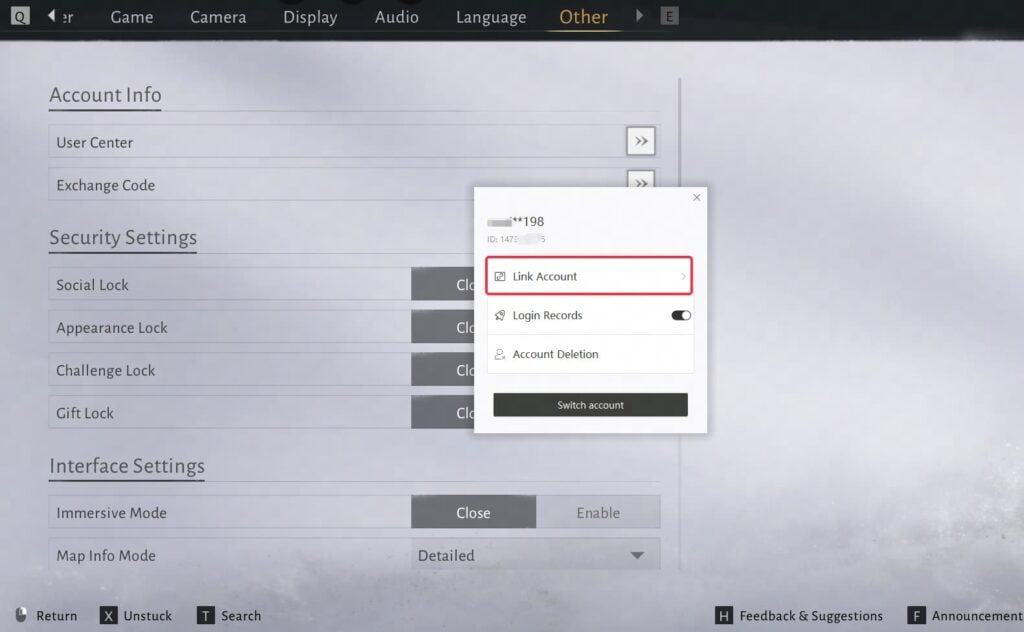
If you’re using the official PC launcher, do this instead:
- First, log in and open the Title Screen.
- Go to User Center > Link Account.
- Link your accounts.
If you’re trying to link your PC/PlayStation account to a mobile platform, select “Google” for Android and “Apple” for iOS. Once the account linking is done, you can launch Where Winds Meet on the new platform and log in to enjoy the benefits of cross-progression.
Where Winds Meet was launched for PC, PlayStation, and mobile gamers in China, on Nov. 15. It’ll launch globally for Android and iOS devices on Dec. 12—here are the system requirements you need to know.







Published: Dec 11, 2025 07:18 pm