


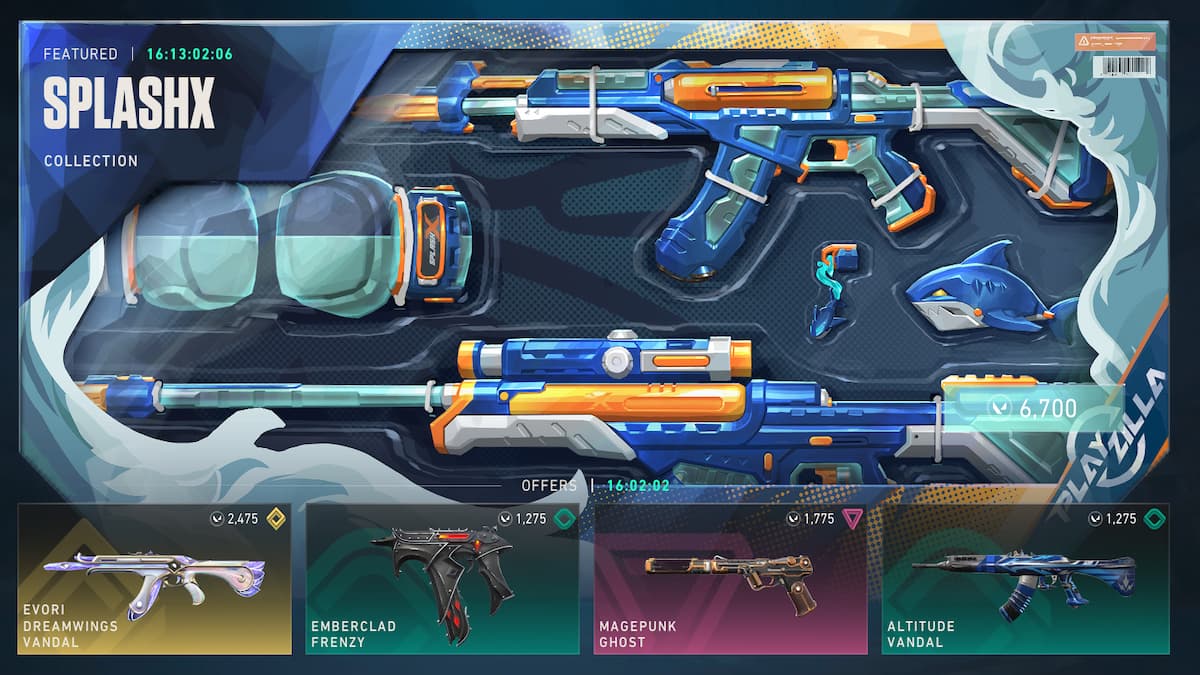

Launching VALORANT on your PC or console doesn’t take long, but logging in just to check your daily store can feel like a hassle. What if you could quickly preview your shop on your phone instead? Well, you can—and it’s easier to set things up than you think.
Whether you’re away from your setup or just feeling lazy, you can check your daily VALORANT shop rotation on the go, without launching the game. While Riot doesn’t offer an official tool for this, there are reliable third-party apps that get the job done. If you’re unsure how these things work, don’t worry—we’ll guide you through everything you need to start browsing your VALORANT shop on mobile.
Table of contents
How to open VALORANT shop on your mobile phone

In 2025, there are two ways to access your VALORANT daily shop rotation on the go:
- Download a third-party application called VShop. This is only for Android users.
- Add a Discord bot called valorant bot to your server.
Before you jump into the setup guides, we recommend enabling multi-factor authentication on your Riot account. It adds an extra layer of protection against potential data leaks or malicious activity. While these third-party apps are widely used and generally considered safe, multi-factor authentication can help safeguard your account in case anything ever goes wrong. You can enable it from the Account Management section of your Riot account on the official website. Also, make sure you’re downloading official versions of the apps and not malicious ones.
Now, let’s get into the app setups, shall we?
How to set up VShop to check VALORANT store on phone
To get VShop for VALORANT, follow these steps:
- Go to the official GitHub page of VShop.
- Under Assets, click on VShop.apk to download the .apk file.
- After it’s downloaded, tap on the .apk file to start installing.
- If you haven’t already, make sure you enable installing apps from third-party sources if and when prompted. You can also enable it yourself from the Settings app.
- Once the app is installed, you can launch it, log in using your Riot account credentials, and that’s it. You should be able to access your VALORANT shop from your phone now.
VShop is only available on Android phones. If you’re an iPhone or iPad user, you can go for the Discord bot option, which is explained in the next section.
How to use valorant bot to check your shop on Discord
You can add valorant bot to your Discord server to easily access your shop or perform other actions, like switching accounts, login automatically, access your battle pass, and more, from your Android or iOS phone. Here’s what you need to do to set it up:
- Go to the official Discord page of the valorant bot and select Add app.
- Select the server you want to add the app to and then give it Admin permission.
- Once done, it’ll be added to your server and ready for use.
Use the /login command to input your Riot ID and password, and then use the /shop command to view the skins in your store. You can also use other commands to access more features, like your Night Market, Battlepass, or switching between accounts.
Is accessing your VALORANT shop on phone safe?
VShop and the valorant Discord bot are trusted by thousands of VALORANT players and servers, with no major issues reported so far. As long as you’re downloading the official versions, you’re likely safe. That said, they’re still third-party tools and not affiliated with Riot. So if anything goes wrong, Riot isn’t responsible and won’t be obligated to assist.
We recommend enabling multi-factor authentication before using your credentials with any of these tools. While the chances are minimal, if something goes wrong, it’ll protect your account against unauthorized access or security breaches.
Can you be banned for accessing VALORANT shop on phone?
Officially, Riot has a strict stance against third-party applications across its products. That said, players have been using tools like stat trackers and performance optimizers since VALORANT’s launch in 2020, mostly without issue. Technically, as long as you’re not using anything that modifies game files or gives you a competitive edge, you should be in the clear.
However, since these tools are maintained by independent developers, there’s always a chance things could change with future updates. An app that’s harmless today might not stay that way tomorrow.
The bottom line? Use third-party apps for VALORANT at your own discretion.










Published: Aug 5, 2025 04:03 am