



Most of NBA 2K26’s features are fairly easy to figure out, but some actions—like inviting your friends to MyCourt—may not be immediately obvious. If you’re struggling to find the exact place to send out MyCourt invites in NBA 2K26, we’re here to help.
The latest NBA 2K iteration went live on Sept. 5, bringing players a smaller yet busier City, massive movement tech improvements, and a host of exciting new features to explore. While the City is shrunken this time, you may find it difficult to find certain POIs, now that there’s so much happening throughout the map.
To invite other players to MyCourt for some casual sessions in NBA 2K26, you need to find a specific kiosk, which can be easy to miss amid the hustle and bustle. So, here’s everything you need to know.
How to invite friends to MyCourt in NBA 2k26
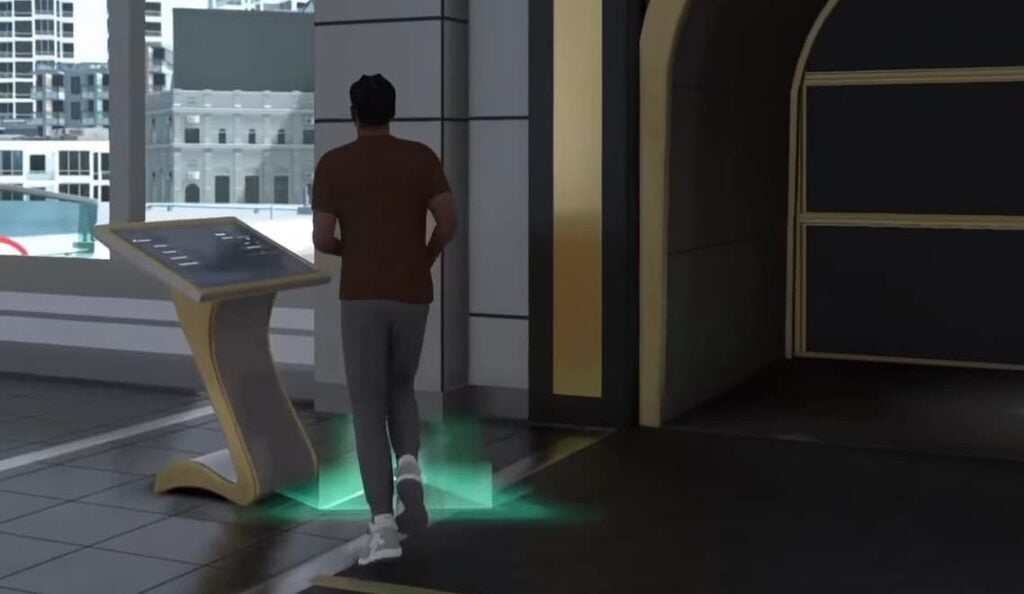
To find the kiosk and invite your friends to MyCourt in NBA 2K26, you need to do the following:
- Load up MyCareer.
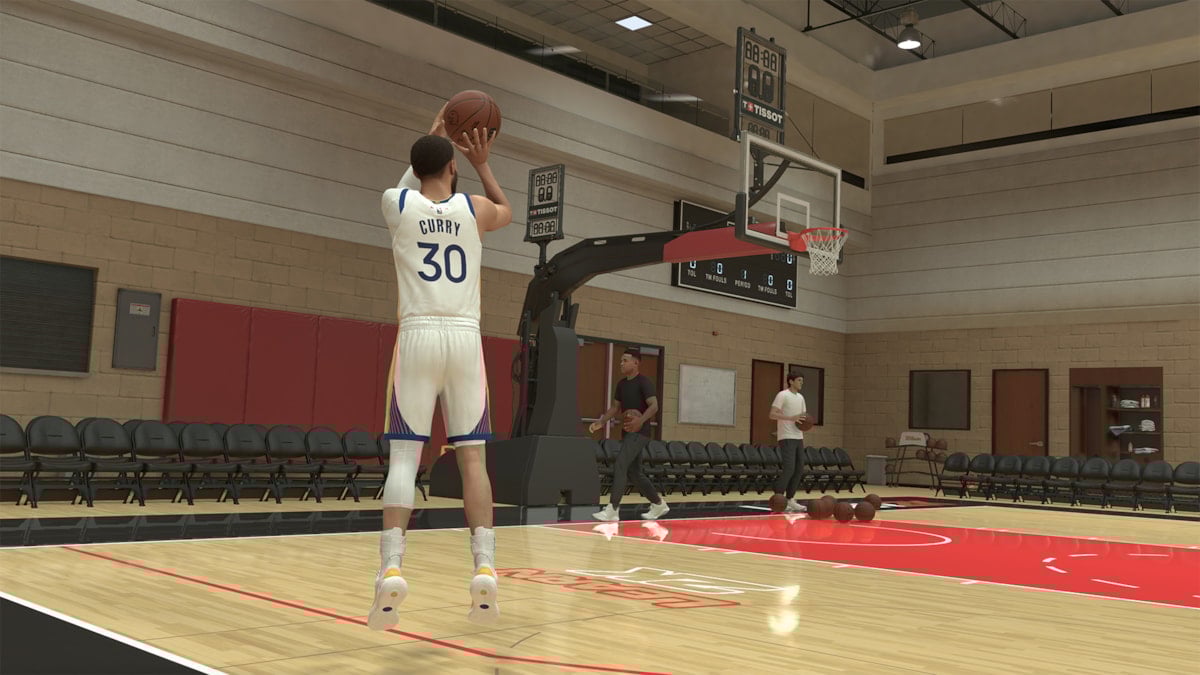
- While in the City, head toward the MyCourt building. Enter it and you’ll be taken to your private space.
- When you load into your MyCourt, move around and you should see a unique kiosk with a triangle glowing in green at its base. Go near it and you’ll see a prompt to open MyCourt Kiosk with the designated key on your platform.
- Once you’re in, you should see a Social tab on the right. Make sure you’re online: The toggle should be turned on and green with a “Go offline” option visible. If you’re online, you should be able to see other other options.
- Enable the “Friends can join” option. Then, select Invite Friends to open the list of people you can invite. Select the name of a friend you want to invite, hit View Gamertag, and then Invite Friend. You can add up to five players to your MyCourt party.
- You can add new friends to your list from here as well. Just use the search bar to find them using their gamer tags.
NBA 2K26 supports crossplay, but only between Xbox and PlayStation. So, if you’re on PC or Nintendo Switch and trying to team up with friends, you’re out of luck. If on Xbox or PlayStation, make sure you enable crossplay from the settings before trying to invite your cross-platform friends.
If you don’t have friends in NBA 2K26 but want to practice team-based tech anyway, select the Invite AI Players (instead of Invite Friends) option from the kiosk menu. From here, select up to five AI players you want and hit Confirm.
If you don’t see any kiosk in your MyCourt or the kiosk menu refuses to open, it’s likely a bug. Restarting NBA 2K26 will likely fix such minor issues.


Published: Sep 11, 2025 09:25 am