


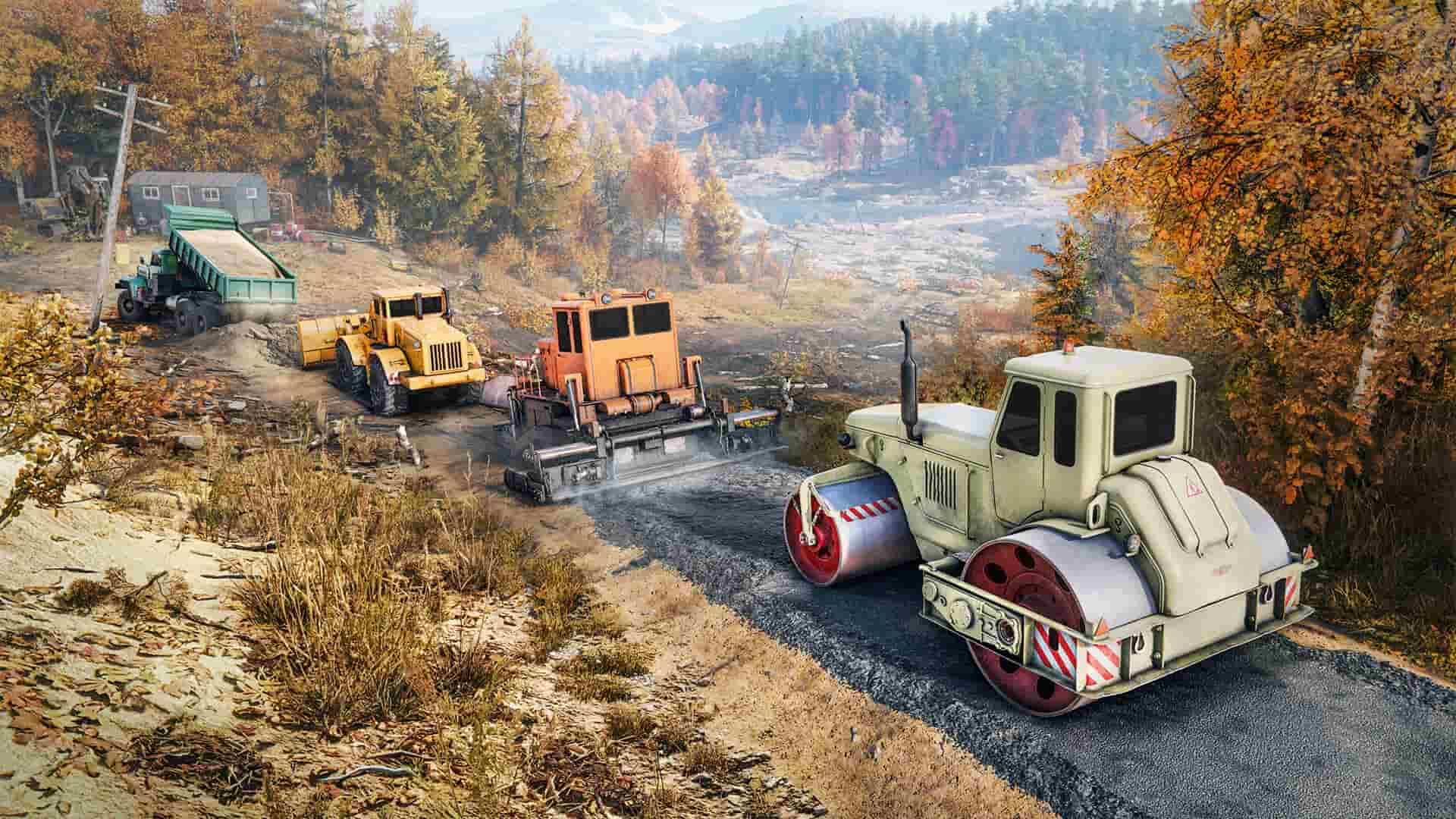

RoadCraft is a highly intricate game that offers several missions where you must develop large areas of land using heavy vehicles and machinery.
One of the most frustrating parts of the game is activating a Sand Quarry. This is due to the intricacy of the mission and the precision of the process. Here’s how to activate a Sand Quarry in RoadCraft and everything you need to know about it.
How to start up the Sand Quarry in RoadCraft

To start the process of activating a Sand quarry, first locate it. You can find it in your map menu, where its circular cursor is located in the center of the screen. Select the icon and hover your cursor on it to select it. You have to be precise to ensure the command to activate the quarry appears. To do this, zoom in fully until the crosshair is positioned over the icon and the “Activate Quarry” prompt appears. Push this button, and another prompt that emphasizes the three Fuel Points requirement appears. Put your cursor over this command prompt and hold down the dedicated key that appears.
If you don’t see this key, it’s likely that you’re hovering over the wrong area and will need to ensure your cursor is placed correctly. You also need to make sure you are close enough to the quarry to interact with it, or you won’t be able to activate the Sand Quarry. You must be inside the active Quarry zone.
You also need to ensure you have enough fuel points to activate the Sand Quarry. You may need to fuel the quarry multiple times for it to start. You’ll know you have the quarry finally activated when you see the words “Quarry Activated” at the top of the map screen. You will also hear rumbling noises and see dust around the area. You will have to refuel the Quarry Zone multiple times to keep it operational.
If you still haven’t been able to activate the Sand Quarry, then you likely haven’t reached a mission that requires a Sand Quarry. If your current mission doesn’t need one, you won’t be able to activate it even if all other conditions have been met.
RoadCraft Sand Quarry bug explained
If you can’t activate the Sand Quarry in RoadCraft, you may have encountered a bug. Some players have reported issues with refilling fuel and the “Activate Quarry” prompt not appearing. If you encounter problems, ensure you’re within the quarry zone, you’re properly positioned, and consider reloading the game if necessary.
For more on RoadCraft, check out our guides on all vehicles and their types.









Published: Jun 4, 2025 09:03 am