



Spotify Wrapped started the trend, and now every year more platforms are following it. Discord has finally launched its own year-in-review recap feature in the form of Discord Checkpoint. Discord Checkpoint gives users a personalized year-in-review of their platform activity. The feature reveals everything from total messages sent to hours spent in voice channels, celebrating a decade of gaming communities and friendships.
How to get your Discord Checkpoint 2025
Discord Checkpoint is rolling out over the next few days to users who were active on Discord during 2025. To access your Discord Checkpoint 2025 recap on desktop follow these steps:
- Make sure you have the latest version of the Discord app installed
- Open Discord on your desktop
- Look for the flag icon in the top-right corner of your app, next to your inbox button
- Click the flag icon to open your Checkpoint
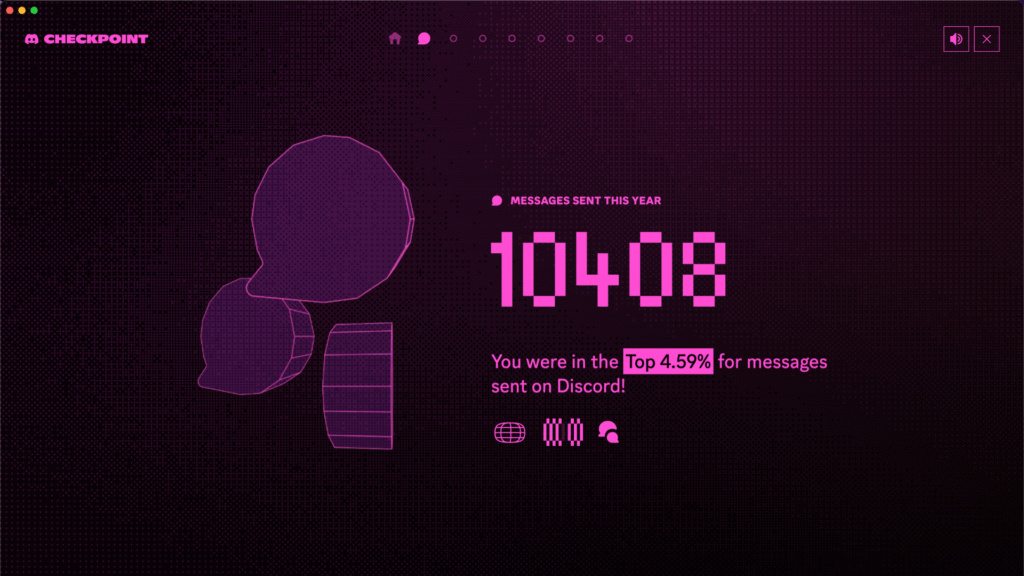
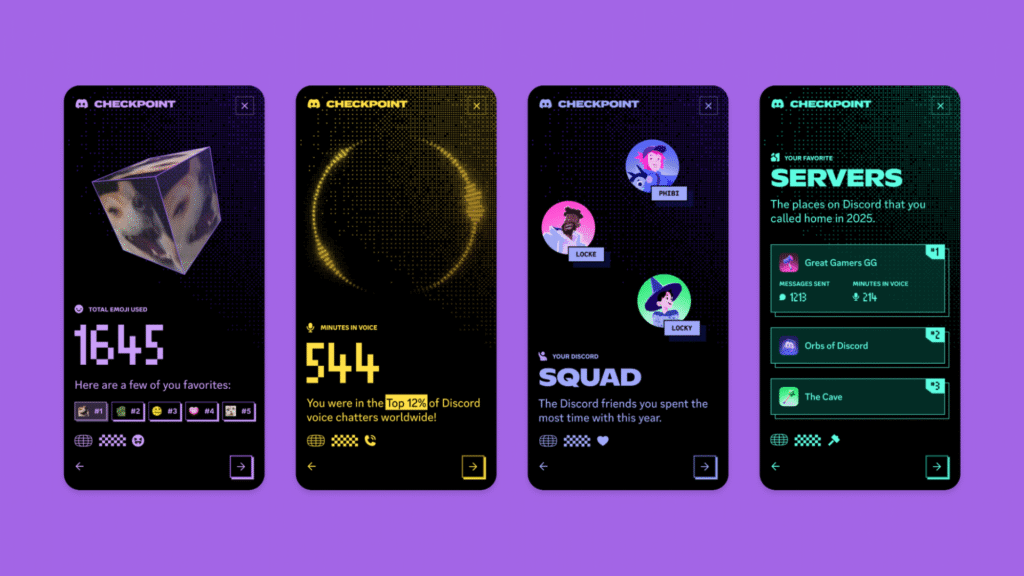
Your Checkpoint will display key statistics about your year on Discord. The recap shows total messages sent, hours spent in voice channels, which servers consumed most of your time, and which friend you talked to the most.
You’ll also see your top five most-played games throughout 2025, your most-used emoji, and how you compare to other Discord users globally.
Related—How to get your Fortnite Wrapped for 2025
How to get your Discord recap on mobile
On mobile devices, Checkpoint usually appears as soon as the app launches, with users reporting pop-ups to launch the report. If you don’t see it immediately, head to the You tab at the bottom-right of your screen and tap the Checkpoint banner. The mobile experience offers the same detailed statistics and shareable summary as the desktop version.
Discord Checkpoint was temporarily disabled on the mobile app, so check back again later to see if it has updated, or open Discord on the browser to check your report.
Not seeing your Discord Checkpoint?
The Discord Checkpoint depends on your activity on the platform across the year. So if you didn’t hop on Discord too much in 2025, you might not get your Discord Checkpoint report. But if you were active on the platform and still haven’t received your report, check your privacy settings.
To view your Checkpoint, you must have the “Use data to personalize my Discord experience” setting enabled in your data and privacy settings. If you had data collection disabled, Discord hasn’t been able to track your activity, and even re-enabling this setting will not make your Checkpoint retroactively viewable.
Related—How to get your Destiny 2 Wrapped 2025
You can find this setting by going to Settings, then Data & Privacy, and toggling on “Use data to personalize my Discord experience.” If you enable it now, you’ll be eligible for personalized experiences like Checkpoint in future years.


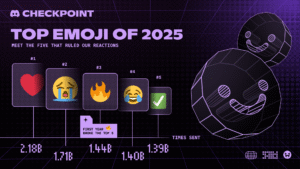


Discord’s 200 million monthly active users collectively sent 744 billion messages in 2025. Your personal Checkpoint reveals where you fit into that massive number. The most used emoji on Discord in 2025 was the red heart, followed by sob, joy, fire and the green checkmark.
Your Checkpoint also displays your favorite servers with detailed breakdowns of messages sent and hours spent in voice chat for each one. Whether you’re celebrating your stats with friends or keeping them private, Discord Checkpoint offers a fun way to reflect on your year of gaming, chatting, and building communities on the platform.










Published: Dec 4, 2025 07:09 pm