


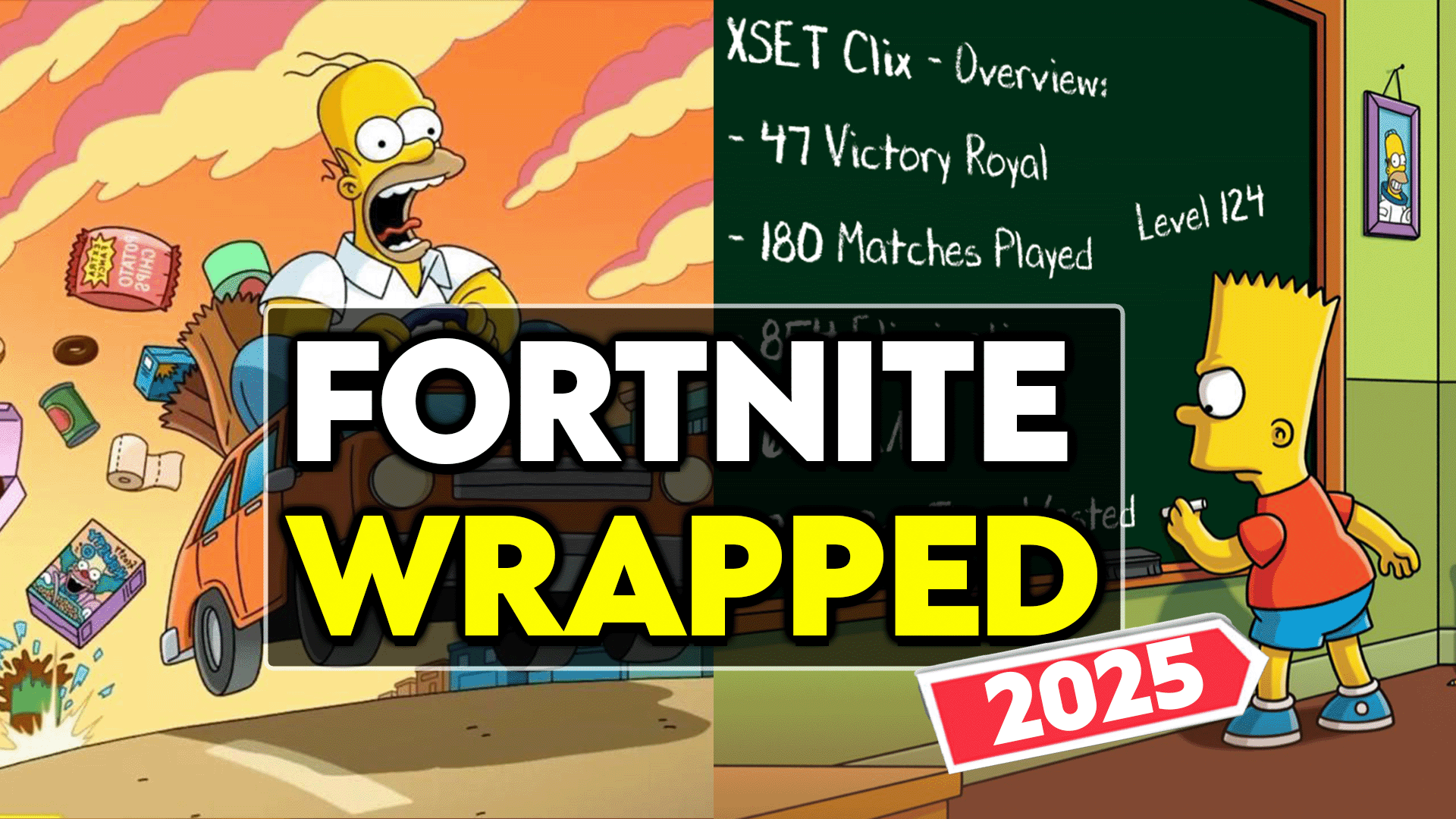

Just like Spotify Wrapped lets music fans revisit their listening habits, Fortnite Wrapped gives players a personalized year-in-review of their gaming achievements. While Epic Games doesn’t offer an official Wrapped feature, third-party websites compile your game data into shareable reports.
Here’s everything you need to know to showcase your Fortnite journey from throughout the year.
Table of contents
How to get your 2025 Fortnite Wrapped
For a comprehensive loot at your entire year of Fortnite gameplay, Fortnite.GG offers the most complete Wrapped experience. The site compiles your stats from every season into one detailed report.
To view your Fortnite Wrapped 2025:
- Head to Fortnite.GG’s Wrapped section.
- Enter your Epic Games username, Xbox Gamertag or PSN ID.
- Select your gaming platform.
- Click on search to generate your personalized report.
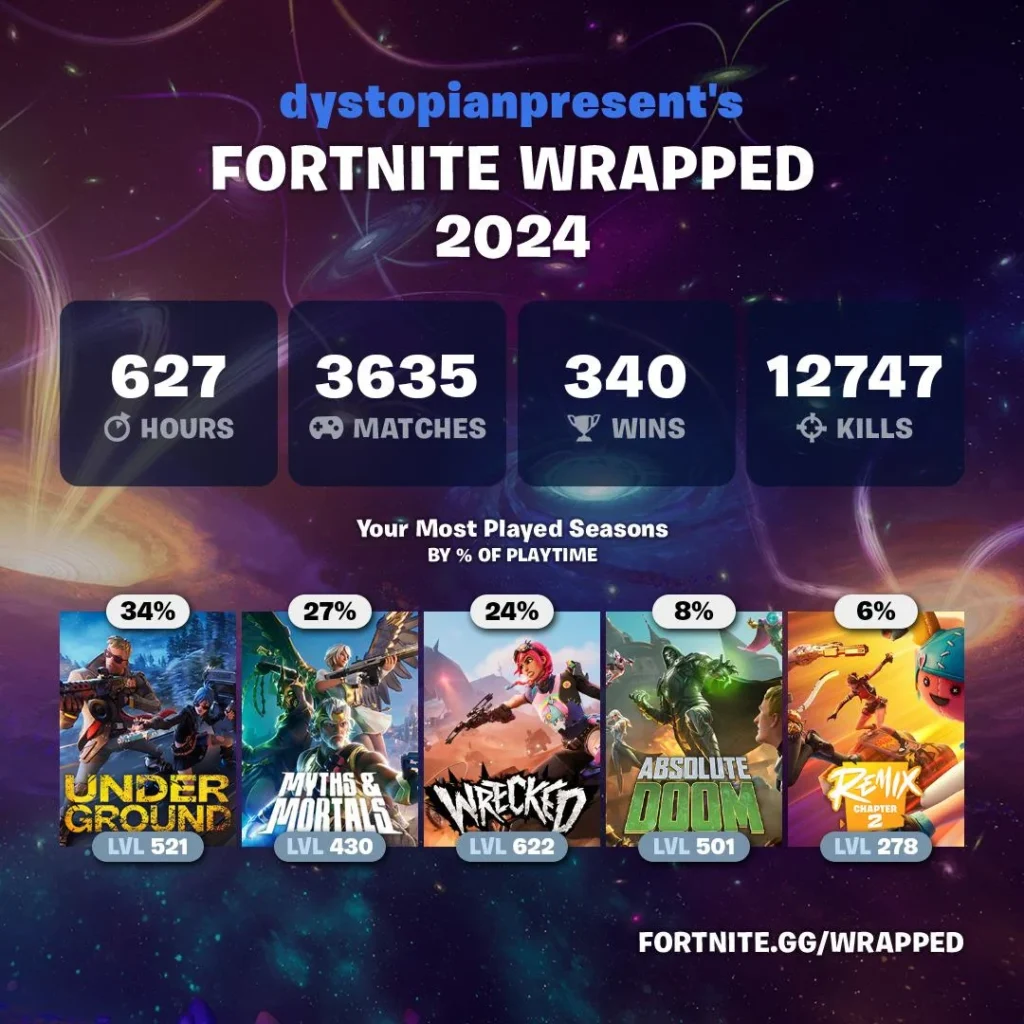
The Fortnite Wrapped for 2025 includes total Victory Royales, matches played, eliminations, hours-played, and which seasons you played the most. You can download the Wrapped graphics optimized for social media and check global leaderboards to see how you compare with other players world wide.
The full Wrapped typically becomes available in late December, allowing the report to include all the stats from your year. If you are unable to generate your wrapped, continue reading to find out how you can enable public stats for your account.
How to get your Fortnite x Simpsons mini season Wrapped
While you wait for the full Fortnite Wrapped to become available, you can also check out your performance in the FortNite x Simpsons mini season. This wrapped is available over on the website FN Zone.
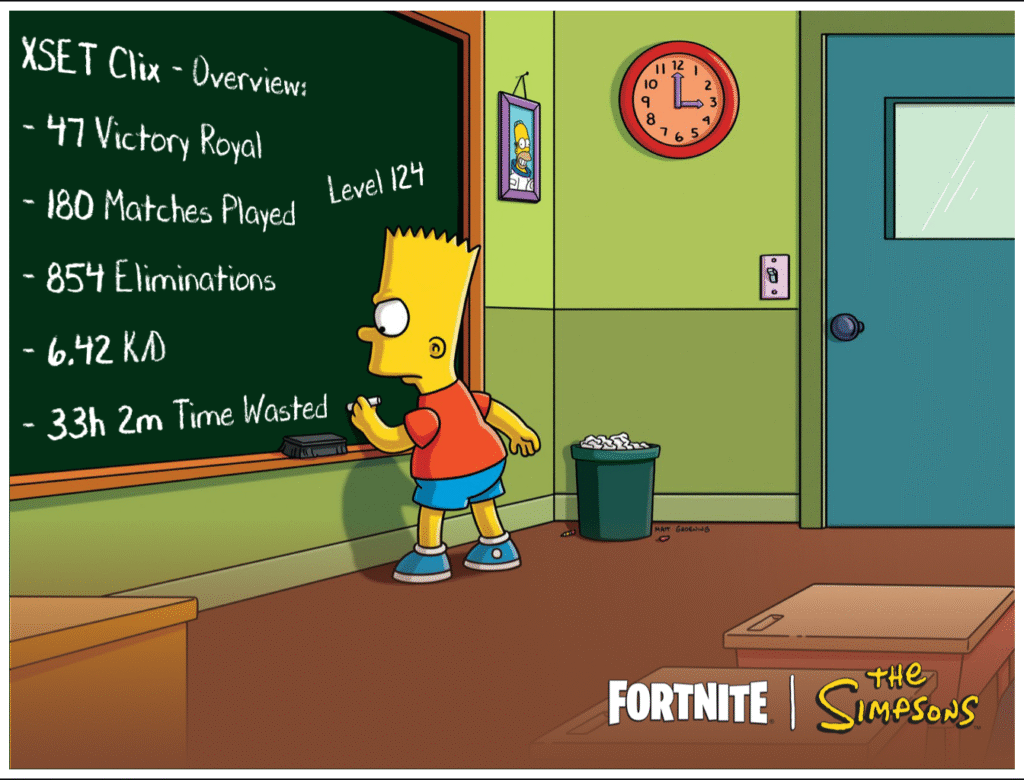
Here’s how you can get your Fortnite x Simpsons Wrapped:
- Visit fnzone.es in your web browser.
- Go to the Fortnite x Simpsons section.
- Enter your Epic Games in-game name.
- Download the generated image.
Sticking with the Simpsons theme, FN Zone’s Wrapped report uses the popular Bart Simpsons chalkboard meme to showcase your stats. The report again includes Victory Royales, matches played, eliminations, total time played and your K/D ratio.
Related—What is Yuki’s Revenge in Fortnite? Explained
Enable public stats to access your Fortnite Wrapped
Before you can access your Fortnite Wrapped, you must set your game statistics to public. This privacy setting controls whether third-party websites can access your gameplay data.
How to enable public game stats in Fortnite
- Launch Fortnite and open the Settings menu.
- Navigate to Account and Privacy.
- Scroll to Gameplay Privacy.
- Toggle Public Game Stats to ON.
Once enabled, your stats will be visible to third-party sites within a few hours. Your Fortnite Wrapped should now be accessible. If you’re concerned about other people looking up your Fortnite performance you can always toggle the setting off after accessing your own Wrapped report.
Related—How to get your Destiny 2 Wrapped 2025
Whether you’re checking your 2025 report, or diving into the Simpsons mini-season stats, Fortnite Wrapped offers a fun way to reflect on your year of gaming. So make sure your public stats are enabled and get ready to celebrate your Victory Royales!








Published: Dec 2, 2025 12:39 pm