



You know how annoying it can be to try and remember a cool map code or go digging through the Discover tab hoping you’ll spot that same Fortnite Creative island again? That is where adding a map creator as your favorite comes in as a savior. If you’ve spent a good amount of time jumping between maps, chances are you’ve come across creators whose work stands out.
However, unless you’ve explored all the features in Fortnite, you might not know there’s a simple way to keep track of them. Marking a creator as a favorite isn’t just convenient, it’s sometimes necessary for specific in-game events and makes it way easier to revisit the islands you enjoy most.
Here’s everything you need to know about marking your favorite creators in the Fortnite Creative game mode.
Table of contents
How to add a Fortnite Creator to your favorite list
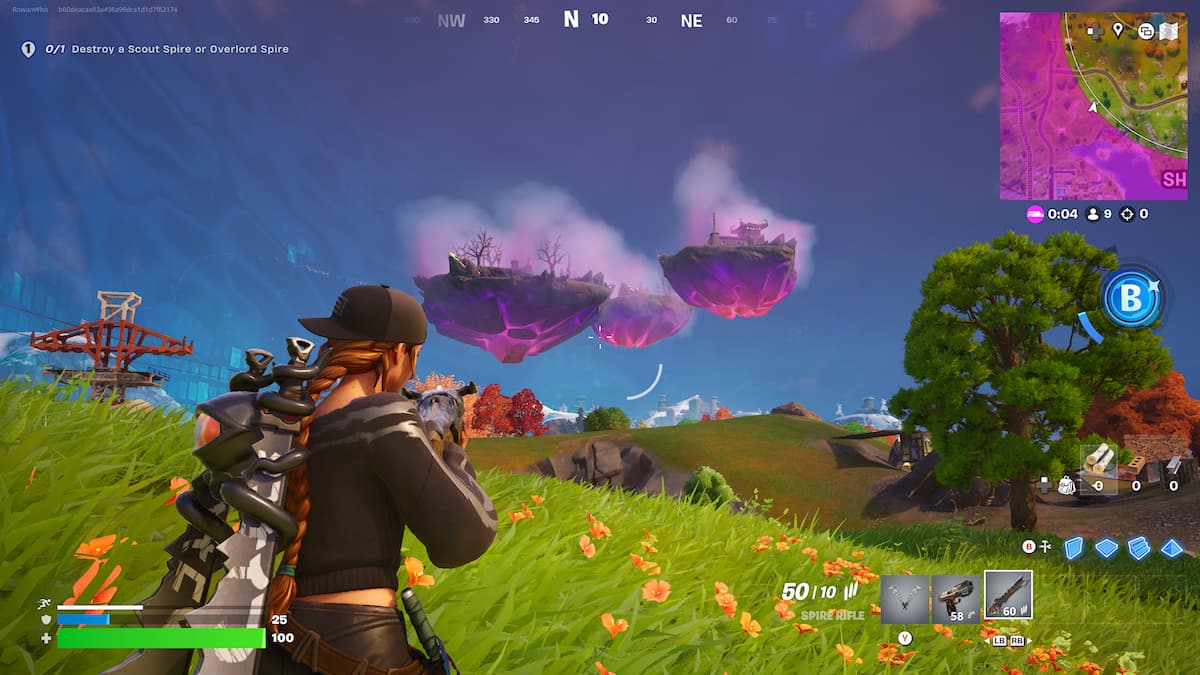
The process of adding a creator to your favorites list is a fairly simple task that can be accomplished by following a series of easy steps. Here’s a step-by-step guide:
- Launch Fortnite and enter the Creative game mode.
- Find the specific Creator you want to add to your favorites list. You can do so either by browsing through the Discover tab or by typing in the Island Code for one of the experiences created by that specific creator.
- Once you’re on a creator’s island page, click on the Creator Name. This will redirect you to the creator’s full UEFN (Unreal Editor for Fortnite) profile.
- Press the Favorite button on the creator’s profile to add them to your favorites list.
How does adding a favorite Fortnite creator help?
Epic Games introduced the Creator Favorites feature as a quality-of-life update to streamline discovery in Creative mode. When you favorite a creator, their UEFN profile and published islands become more accessible across your Fortnite interface. This includes easier access in the Creative Hub, Island Browser, and even during matchmaking recommendations.
Saving a creator to your favorites list in Fortnite makes revisiting their content fast and seamless. Once marked, they appear under a dedicated “Favorites” section in your library, giving you quick access to their entire collection of experiences. This feature is especially handy during timed events, like the Summer Road Trip, where missions often require you to favorite creators. It’s a simple step that keeps your favorite games just a click away and helps you stay on top of special event progress.
For more guides on Fortnite, check out all the quests for the Summer Road Trip event and how to get all the Fantastic Four skins early.





Published: Jul 24, 2025 11:23 pm