


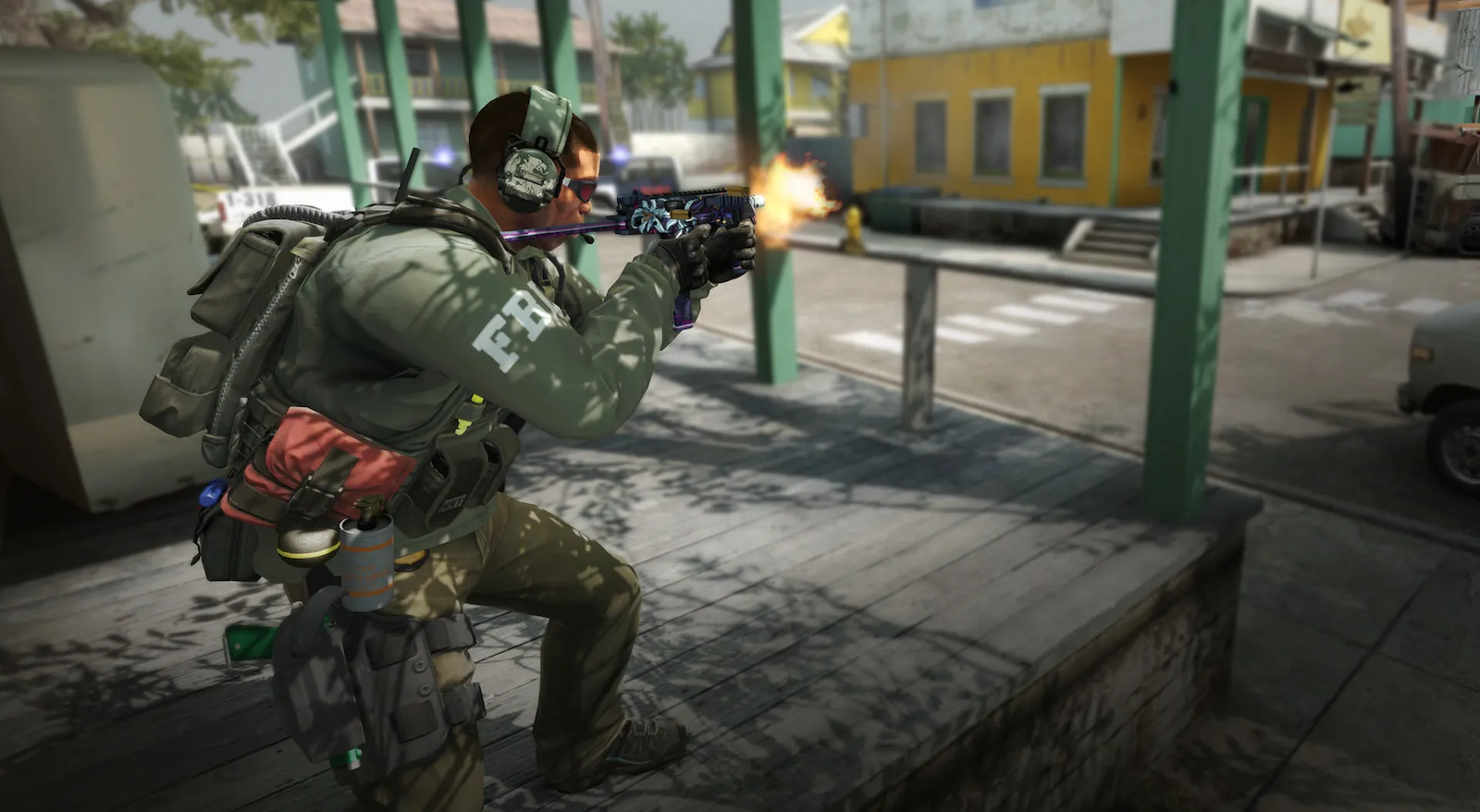

Counter-Strike: Global Offensive is one of the most pinpoint precise games you can play, with aiming completely ruined by one wrong step and smokes that bloom in a particular way, giving you a one-way smoke.
So you’ve made it, you want to learn to CS:GO jump through your mouse.
This enables players to B-Hop with ease, or maybe you just want to change your spacebar bind. Either way, it’s a step in the right direction.
For those of you who don’t know what b-hopping is, it’s been around since the early days of Counter-Strike. It allows players to break the speed barrier that regular movement allows. You can move a lot faster and surprise unsuspecting players
Professional CS:GO players have been doing this for years now, even a large percentage of players in your competitive games.
How to bind jump to scroll wheel in Counter-Strike
Now you can add scroll wheel jumping to your movement arsenal with the scroll wheel jump bind. Scroll wheel jumping can shake up your movement, allowing you to move easier as you jump, and even allowing you to b-hop.
Open up your console, if you don’t know where that is, go to your settings, then go to game settings, and select “enable developer console”. Once this is enabled, find what key it’s bound to, then open your console and copy this text in:
bind “mwheelup” “+jump”; bind “mwheeldown” “+jump”; bind “space” “+jump”
This will make sure when you scroll up and down on your mouse wheel, you’ll jump.
There you have it, now you can move like a Counter-Strike pro.




Published: Oct 10, 2022 07:17 pm