


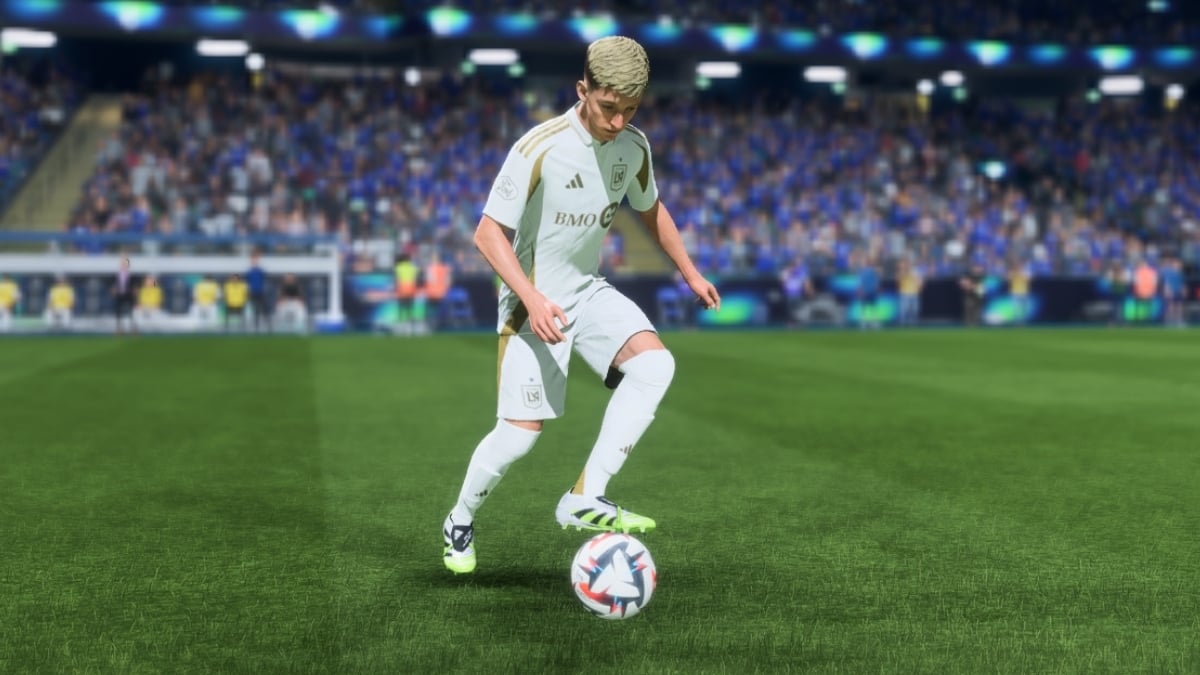

The best PC settings for EA Sports FC 26 should revolve around getting high frame rates and smooth gameplay with good visuals.
This is where optimizing both Windows and in-game graphics settings comes in handy, as they can significantly enhance performance while keeping the game visually appealing. This year, EA FC 26 dribbling is a lot more responsive, and the optimal settings become even more important for PC players.
Make sure your system has at least an Intel Core i5-6600K or AMD Ryzen 5 1600 processor, 8GB RAM, and an NVIDIA GTX 1050 Ti or AMD RX 570 to run it smoothly at decent quality. Having said that, here are the best settings for FC 26 on PC.
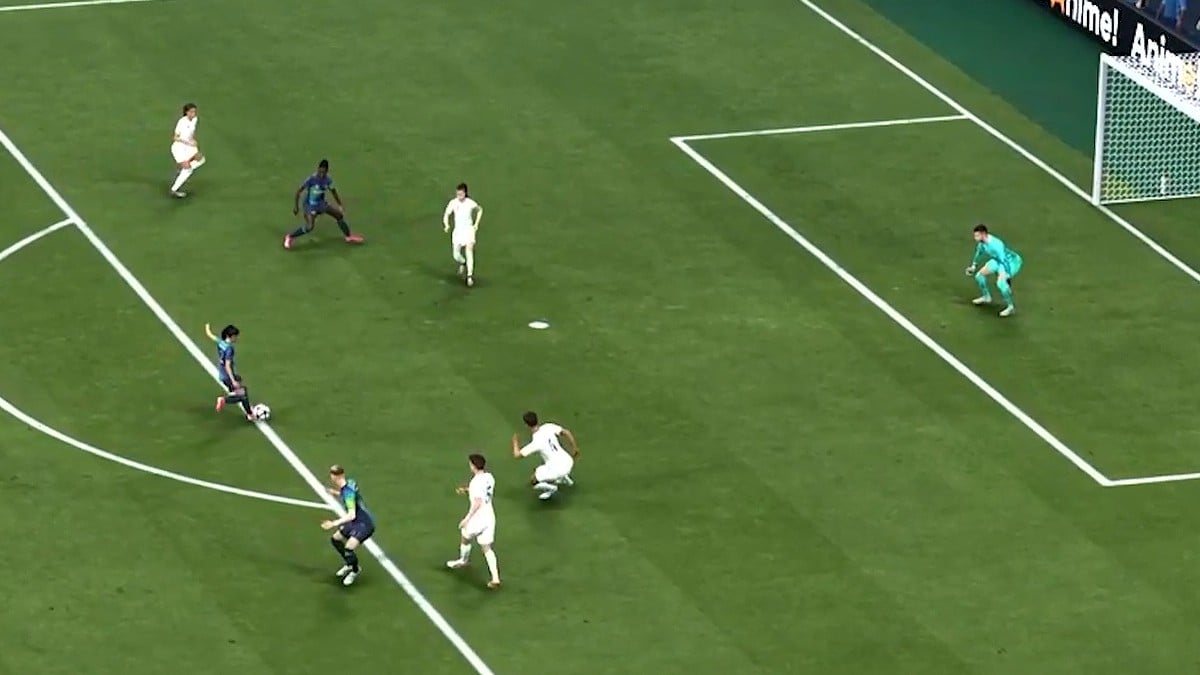
Best FC 26 camera settings
Camera Options
- UT Competitive Camera: Enabled
- Single Player Camera: Tactical
- Multiplayer Camera: Tactical
- Player Career Camera: Tactical Focus
- Clubs Camera: Tactical
- Rush Camera: Rush Broadcast
- Be-A-Goalkeeper Camera: Pro
- Power Shot Zoom: On
Setting the right camera settings is important. If you can view most of the players on your pitch at once, you get a fair idea of when and how to pass the ball around before scoring the goal. This is even more important for Ultimate Team matches during Rivals or Weekend Leagues.
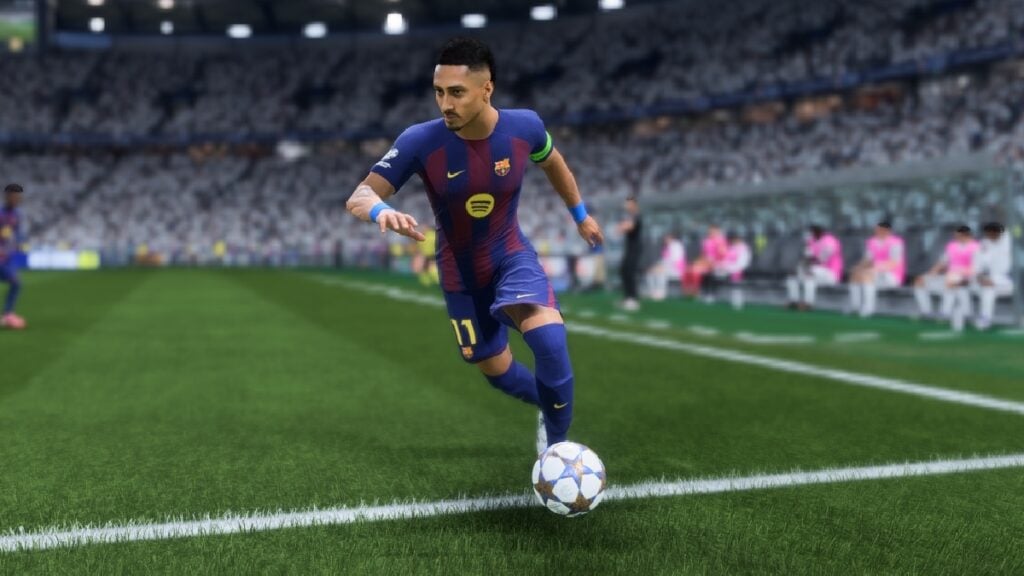
Best FC 26 display settings
- Active Monitor: Your main monitor
- Display Mode: Borderless
- Aspect Ratio: 16:9
- Screen Resolution: Native resolution (1920×1080 in my case)
- Refresh Rate: Native refresh rate (144Hz in my case)
- Frame Rate Limit: Unlimited
- VSync: Off
- Cutscene Performance: Half Frame Rate
- Render Scale: 100
- Dynamic Resolution Scaling: Off
Best FC 26 graphics settings
- Graphics Preset: Custom
- Rendering Quality: Medium
- Strand Based Hair: Off
- Grass Quality: Medium
- Crowd Quality: Auto
- Cloth Quality: Auto
- Ambient Occlusion Quality: Auto
- Motion Blur: Off
Always keep GPU drivers updated with the latest Game Ready or Adrenalin drivers. Disable unnecessary overlays and background apps, and use an SSD if possible to load the game faster. In the meantime, check all skills present in FC 26 and how to do them.



Published: Oct 10, 2025 06:50 am