


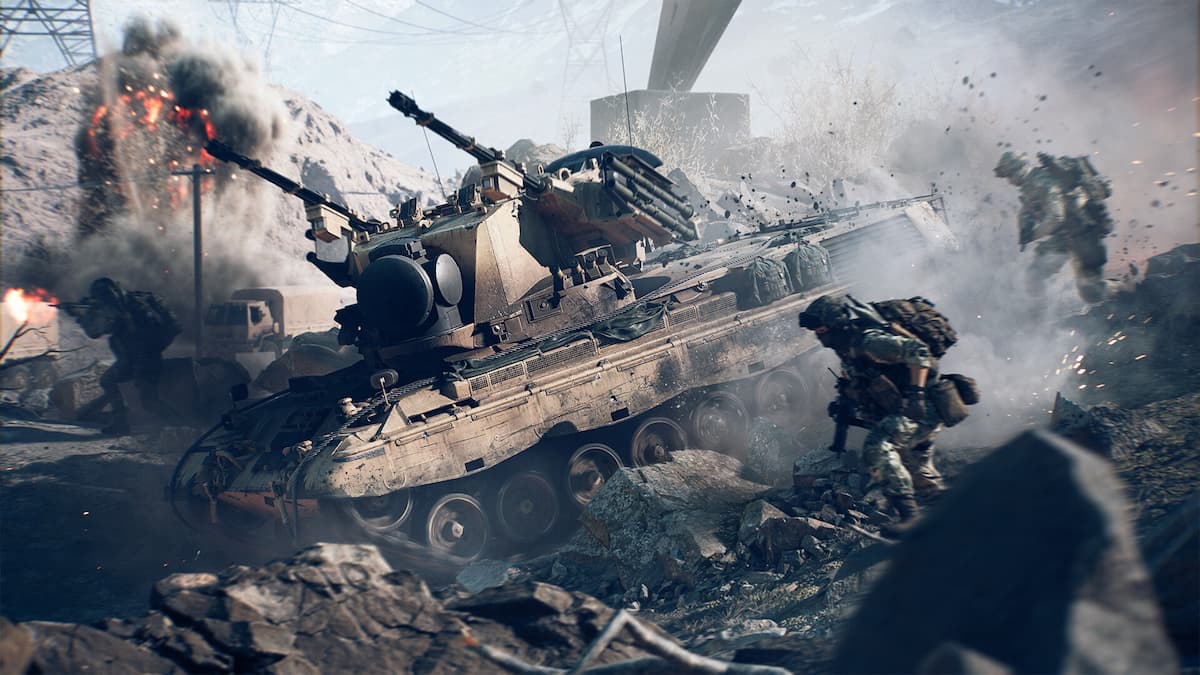

You can play regular Battlefield 6 games outside traditional matchmaking through the Portal. There are official servers and experiences created by the Battlefield devs that offer regular modes and a few custom ones.
Here’s everything you need to know about official Portal servers in Battlefield 6 and how to play on them.
Table of contents
What are the official Battlefield 6 Portal servers?
The official Portal Battlefield 6 servers feature experiences maintained and supported by the official development team. These experiences include modes like Hardcore Rush, Hardcore Breakthrough, Infantry Conquest, and a few unique ones like Besieged and Exfil. Official Portal servers are meant for you to quickly find games without relying on bots or matchmaking, similar to the server browser in Battlefield 4.
How to join official Battlefield 6 Portal servers
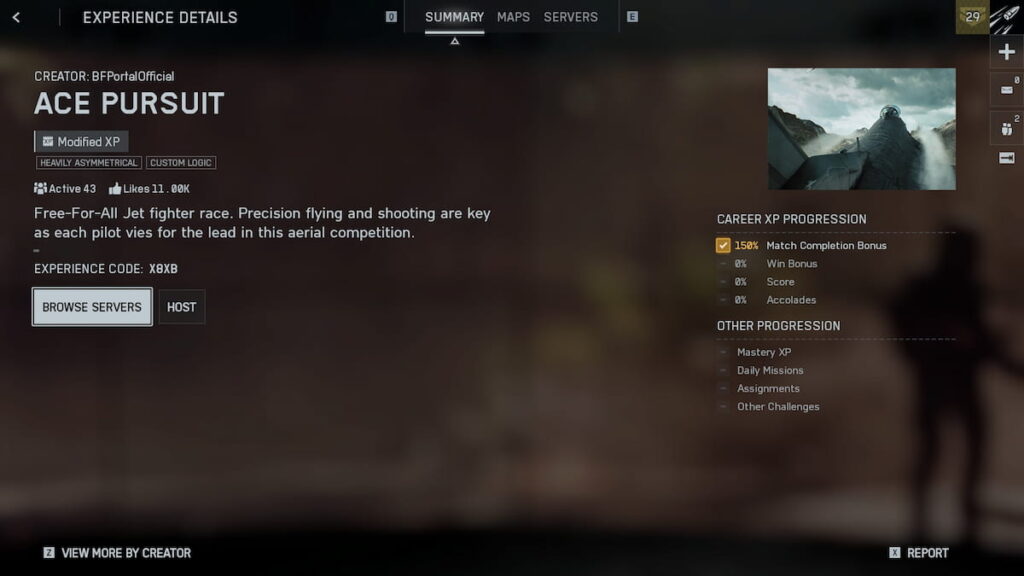
Official Battlefield 6 Portal experiences are created by BFPortalOfficial and BattlefieldOfficial accounts. If you see a server that lists any of these accounts as a creator (although the host may be anyone), you can be certain it’s a verified experience.
To join an official Battlefield 6 experience:
- In the Community tab, select Search Experiences or Browse Servers.
- Find an experience created by BFPortalOfficial or BattlefieldOfficial in the browser or using a code (find a list of codes below).
- Press More by the Creator on the Experience Details screen in the bottom left.
- Choose an experience, select to host a server, or find one in the Servers tab.
Some of the official Portal servers may also be featured on the home page in the Featured tab and rotate regularly.
Here are a few codes for the official Battlefield 6 Portal experiences:
- Infantry Breakthrough (BFPortalOfficial): X7ST
- Rush (BFPortalOfficial): X7SM
- Ace Pursuit (BattlefieldOfficial): X8XB
- Hardcore Conquest (BattlefieldOfficial): X7SB
Use any of these codes to find the creator profile and browse all the different modes associated with it. Some of the modes have Full XP gains, just like in regular games; others, like Ace Pursuit, have Modified XP due to custom logic and rulesets.






Published: Oct 24, 2025 06:05 am