



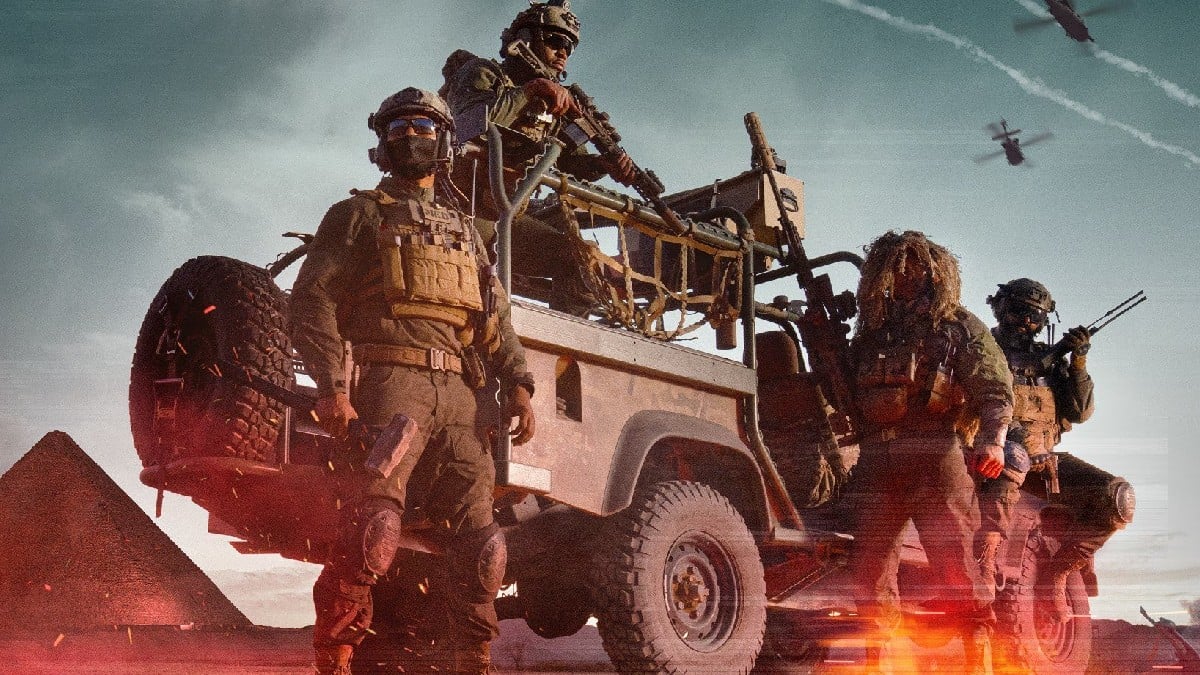
Battlefield REDSEC is almost here, and you can get exclusive rewards from Twitch during the Season 1 launch period.
Battlefield REDSEC is EA’s free-to-play battle royale that is connected with the core Battlefield 6 game (similar to Call of Duty). Getting your hands on the Twitch drops is pretty straightforward if you know and follow the official steps from past campaigns of other games. Anyone watching Twitch streams from Oct. 28 can unlock in-game cosmetics.
I must tell you these drops aren’t just for RESDEC, as these carry over to BF6 too. Here’s everything you need to know about all Battlefield REDSEC Twitch drops and how to get them.
Table of contents
Battlefield REDSEC Twitch drop schedule
Battlefield REDSEC Season 1 Twitch drops campaign runs from Oct. 28 at 10am CT to Nov. 5 at 1:59am CT. So, you will have a week in total to claim all the rewards from the campaign.
All Battlefield REDSEC Twitch drops
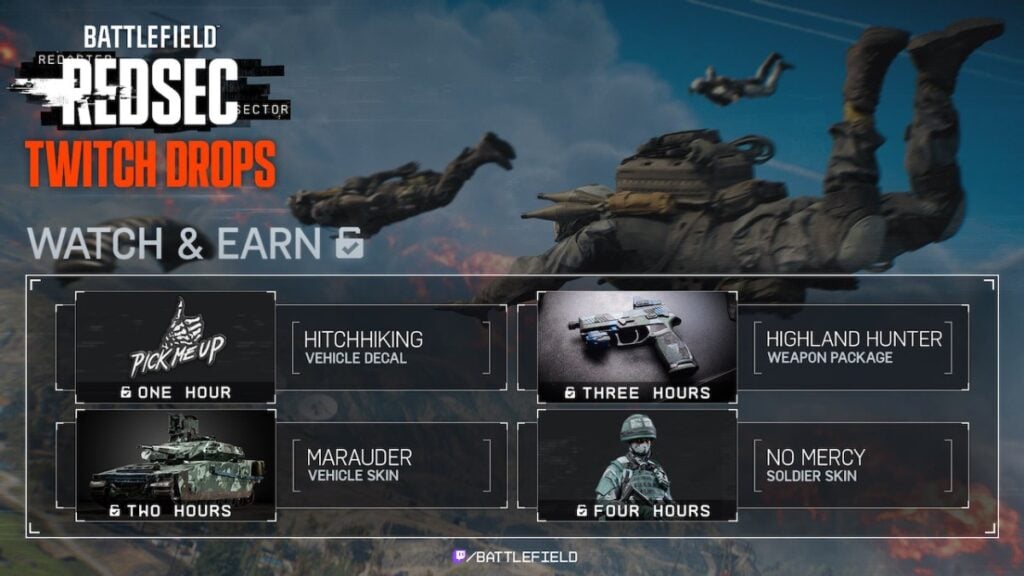
| Reward | How to get |
|---|---|
| “Hitchhiking” vehicle decal | Watch for 1 hour |
| “Marauder” vehicle skin | Watch for 2 hours |
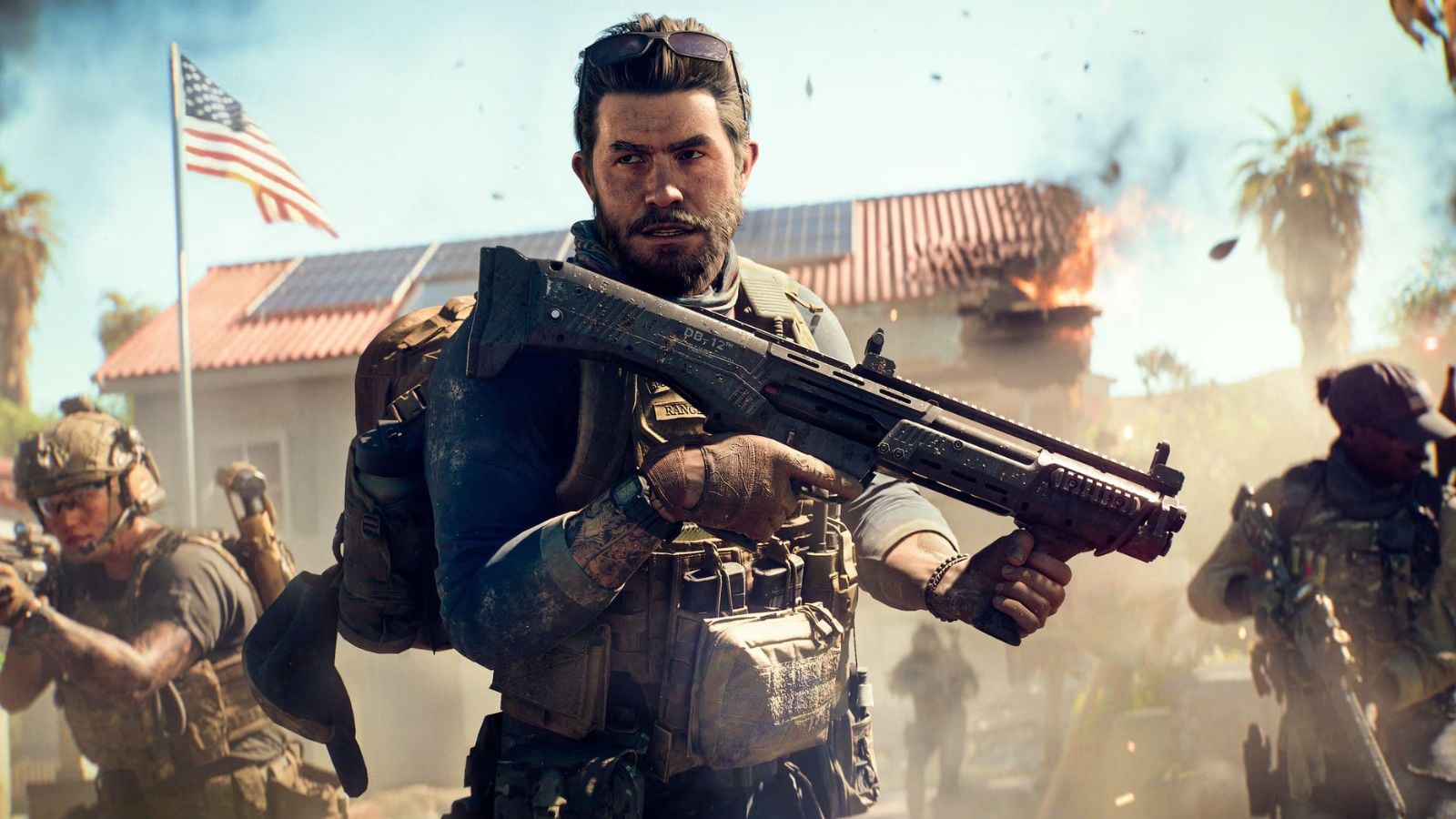
| “Highland Hunter” weapons package | Watch for 3 hours |
| “No Mercy” soldier skin | Watch for 4 hours |
Once you meet the criteria for these drops, you will have a 24-hour window to claim them.
How to claim Battlefield REDSEC Twitch drops
Here are the steps you need to follow to claim all the REDSEC Twitch drops:
- Link your EA and Twitch accounts from the former’s official website.
- Watch livestreams for four hours in total.
- Head to the Drops Inventory page on Twitch.
- Hit the Claim button beside the completed rewards.
Once you claim the drops, the rewards will appear in-game for both Battlefield 6 owners and in REDSEC.
In the meantime, check out the best loadouts to use in Battlefield 6, including assault rifles, SMGs, and snipers. Looking to optimize the game after the new update? Check our best BF6 settings guide.


Published: Oct 28, 2025 02:42 am