


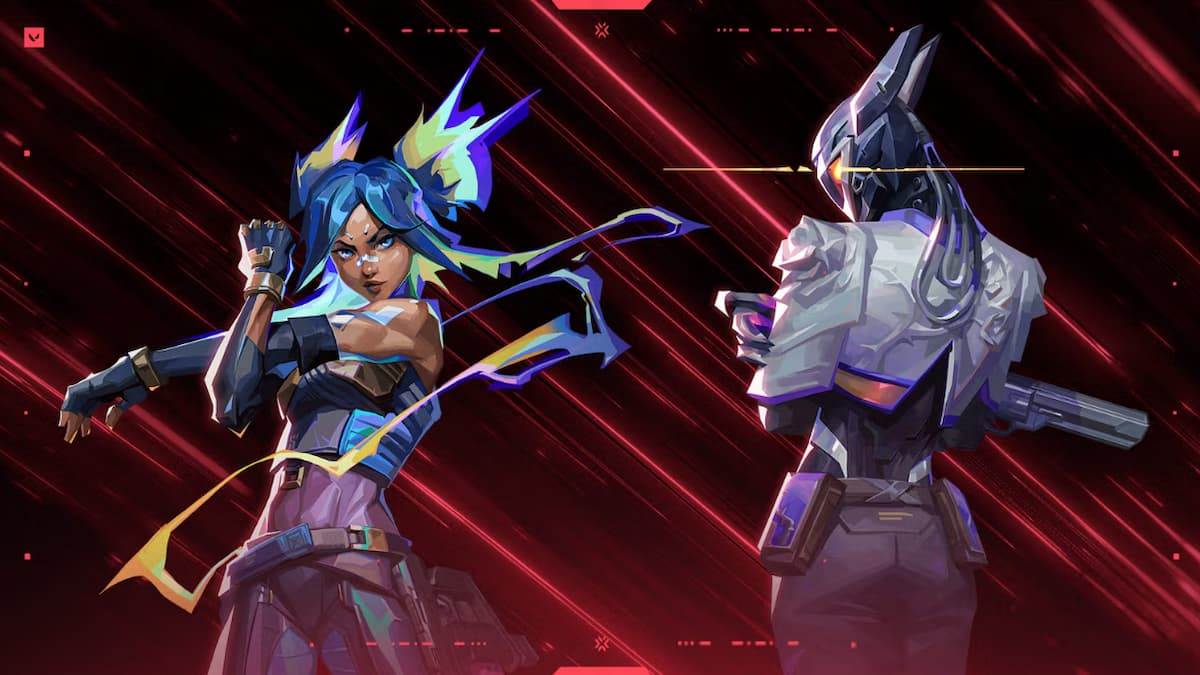

VALORANT Patch 11.06 brings the much-awaited Replay feature to the tac shooter experience, giving players access to “complete views” of their games without the need to record with a third-party application—but there are a few caveats to consider.
Starting Sept. 16, you’ll be able to “replay” your VALORANT matches, viewing the action from any of the 10 players’ first-person perspectives—or through a third-person free camera. You can fast-forward, slow down, or pause at various speeds, giving you full control over the playback.
While Replays are launching today for VALORANT on PC, players on consoles and in China have to wait a little longer. Here are the timings:
- PC: Starting with Patch 11.06 on Sept. 16 at 1am PT, or Sept. 17 for some regions.
- China: Starting with Patch 11.07b on Oct. 9 local China time.
- Console: Starting with Patch 11.10 on Nov. 11 at 11am PT, or Nov. 12 for some regions.

Unlike a simple recording, Replays are designed to let you analyze your gameplay in depth, helping you learn from your mistakes and spot your strengths. You’ll also be able to easily prove that a player was throwing in your match, although cheating is a bit hard to prove because of “client and server ping differences.”
While the features are impressive, VALORANT’s Replay system doesn’t offer sharing or clipping facilities. It’s a view-only tool that can only be accessed within the game client—you can’t download any recordings to your PC or console. Riot may add sharing options in the future, but nothing has been confirmed yet.
So, if you’re a content creator or simply enjoy saving your multi-kill rounds or Aces, you’ll still need a third-party recording tool for now. Replays don’t work for Custom games; it’s only available for Unrated, Competitive, Swiftplay, and Premier modes. Also, you can’t view matches from old patches, only those in the current live patch. Replays can be accessed from your post-match details page or Career page. Just click on the play button-like icon to start the download.
While Replays have finally arrived in VALORANT after a long wait, players will likely want the current system to expand in the future with features like clip sharing, custom game replays, and esports VODs. That said, it already offers plenty of useful tools that are built to offer driven ranked players the advantage they always wanted. I especially appreciate how it makes gathering evidence against throwers much easier—a welcome boost in the fight against those disruptive players.




Published: Sep 16, 2025 09:51 am