


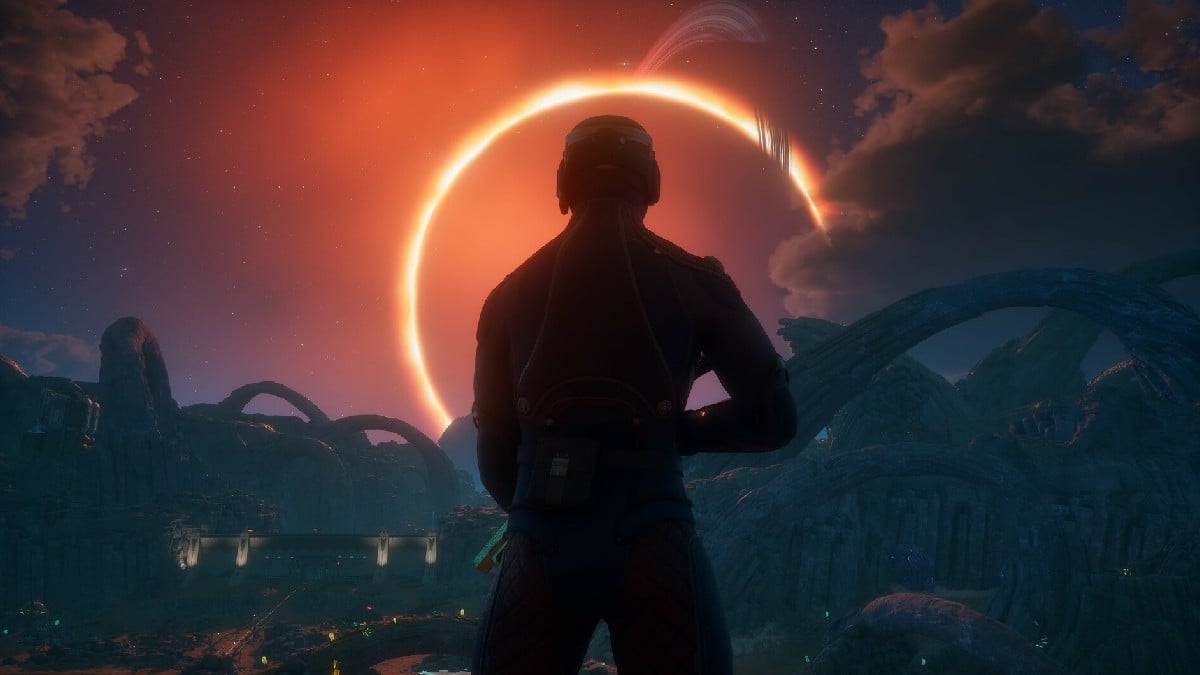

It is crucial to know if your PC is up to standard before buying the sci-fi RPG sequel The Outer Worlds 2.
Obsidian Entertainment’s upcoming release lets you enjoy its richly detailed world, vibrant galaxy of Arcadia, and story, but you need to keep in mind that it’s storage-heavy, requiring 110 GB of space.
Whether you want just to run the game or experience it in higher fidelity, I have broken down the minimum and recommended PC specifications you need to meet to prepare your rig for The Outer Worlds 2.
Table of contents
The Outer Worlds 2 minimum specs

- OS: Windows 10 or 11
- Processor: AMD Ryzen 5 2600 or Intel i5-8400
- Memory: 16 GB RAM
- Graphics: AMD RX 5700 or Nvidia GTX 1070 or Intel Arc A580
- DirectX: Version 12
- Storage: 110 GB available space (SSD required, performance scales with higher-end systems)
These minimum specs target stable performance at modest graphics settings. You can expect decent gameplay, but you will require a hardware upgrade to play at higher graphics settings or resolutions.
The Outer Worlds 2 recommended specs
- OS: Windows 10 or 11
- Processor: AMD Ryzen 5 5600X or Intel Core i7-10700K
- Memory: 16 GB RAM
- Graphics: AMD Radeon RX 6800 XT or Nvidia RTX 3080
- DirectX: Version 12
- Storage: 110 GB available space (SSD required, performance scales with higher-end systems)
This configuration should get you smoother frame rates at higher settings. Yes, the large storage requirement of 110 GB is a significant factor, but if you have a fast SSD, the loading times and overall performance will significantly improve.
On the game’s Steam page, it’s mentioned that performance scales with system quality. So, if you have higher-end PCs, you will enjoy better graphical fidelity and stable frame rates.





Published: Oct 24, 2025 05:57 am